
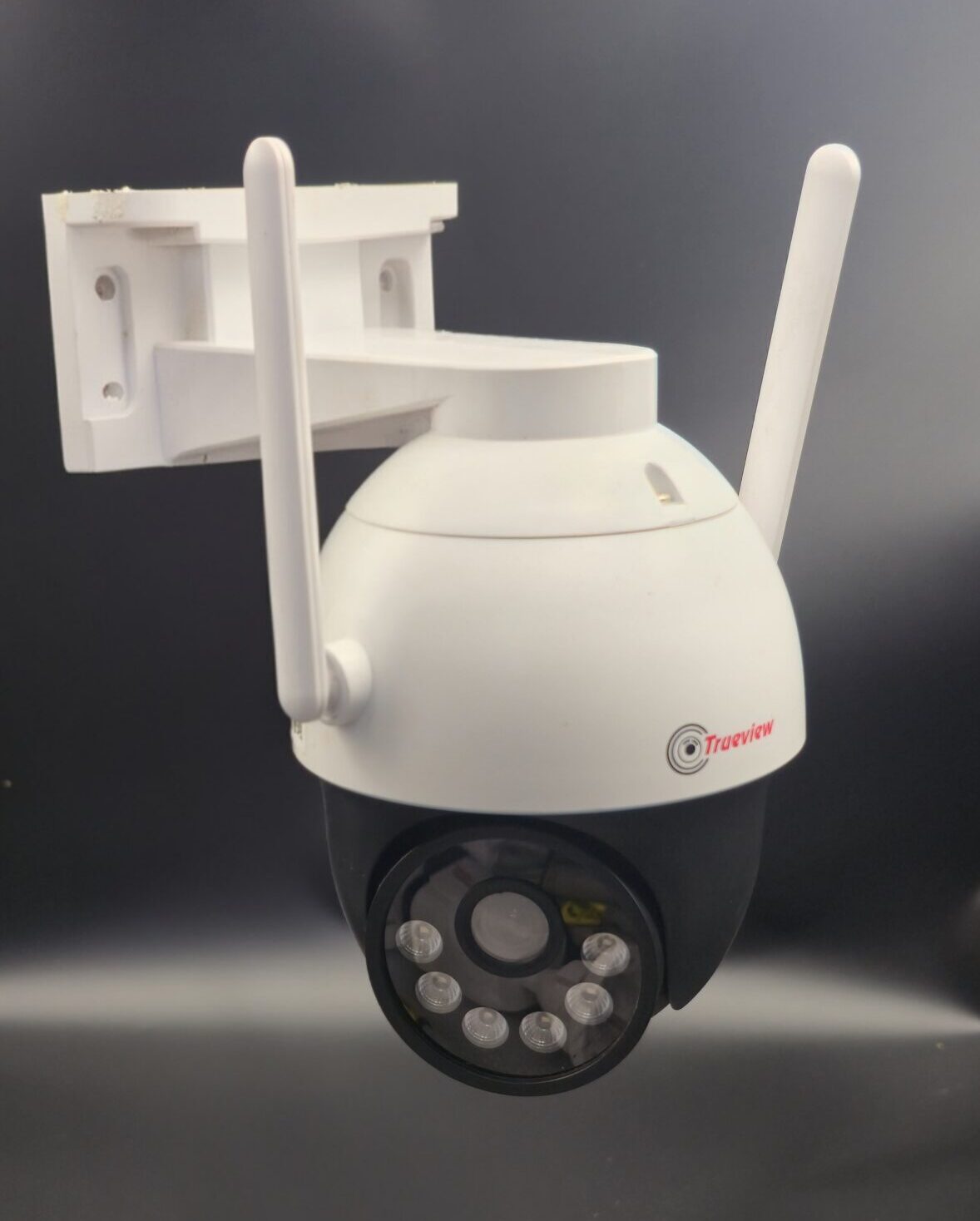
How to Choose a CCTV Camera?
📹 How to Choose a CCTV Camera: The Ultimate Buying Guide
Choosing the right CCTV camera can make all the difference in your security setup. From image clarity to night-time visibility, not all cameras are built the same. This guide helps you pick a camera that meets your needs — and helps you avoid mistakes.
🎯 Step 1: Define Your Purpose
Before anything else, ask yourself:
-
Do you want indoor or outdoor surveillance?
-
Are you covering large areas (yards, parking lots) or small spaces (room corners)?
-
Will it be 24/7 monitoring or occasional check-in?
Understanding your use case helps narrow choices quickly.
🖼️ Step 2: Check Image Quality (Resolution)
Image clarity is key to identifying people, vehicles, or events in footage.
🔹 1080p (2 MP) – Good for general home and office use
🔹 4 MP–8 MP (2K–4K) – Sharper detail, great for larger or critical areas
➡️ Remember: higher resolution means better detail but also more storage needed.
🌙 Step 3: Night Vision & Low-Light Performance
Most security incidents happen in low light — so your CCTV must see clearly at night.
✔ Look for IR (Infrared) LED night vision
✔ Check the IR range — longer ranges cover more space
✔ Some cameras have colour night vision for clearer night footage
Without good night vision, your camera may only record silhouettes in the dark.
📡 Step 4: Wired or Wireless?
Your installation choice affects reliability and convenience.
🔹 Wired cameras – Stable video feed and power; ideal for permanent setups
🔹 Wireless cameras – Quick installation and flexible placement
Both have their advantages — choose based on where the camera will go and how you want to monitor.
🌐 Step 5: Connectivity & Remote Viewing
Modern CCTV systems don’t just record — they let you monitor from anywhere.
✔ Look for mobile app support
✔ Check if the system supports remote live view and alerts
✔ Some cameras allow cloud storage so footage is safe even if the camera is damaged
This is especially useful if you travel or manage multiple locations.
☔ Step 6: Outdoor Durability & IP Rating
For outdoor installations, durability matters. Cameras must withstand rain, dust, and heat.
📌 Look for IP66/IP67 waterproof ratings — only cameras with these can handle outdoor elements reliably.
📷 Step 7: Field of View & Camera Type
Different camera types suit different needs:
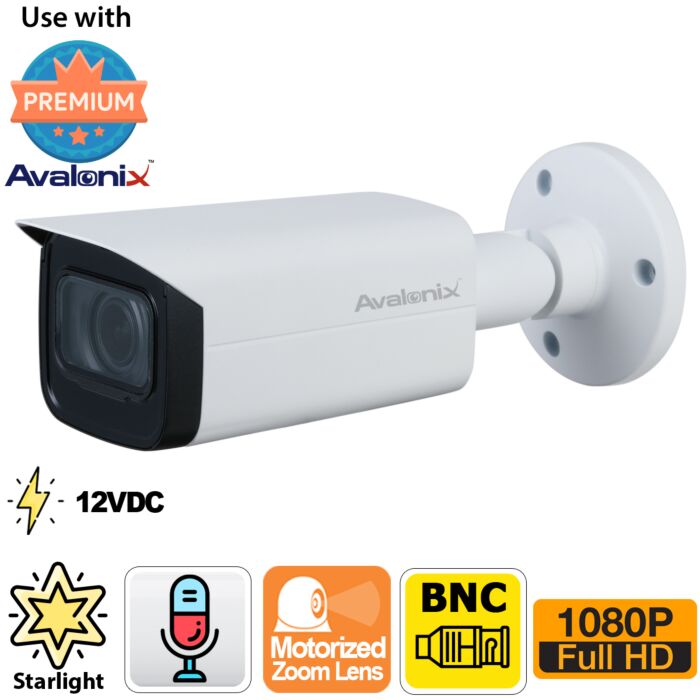
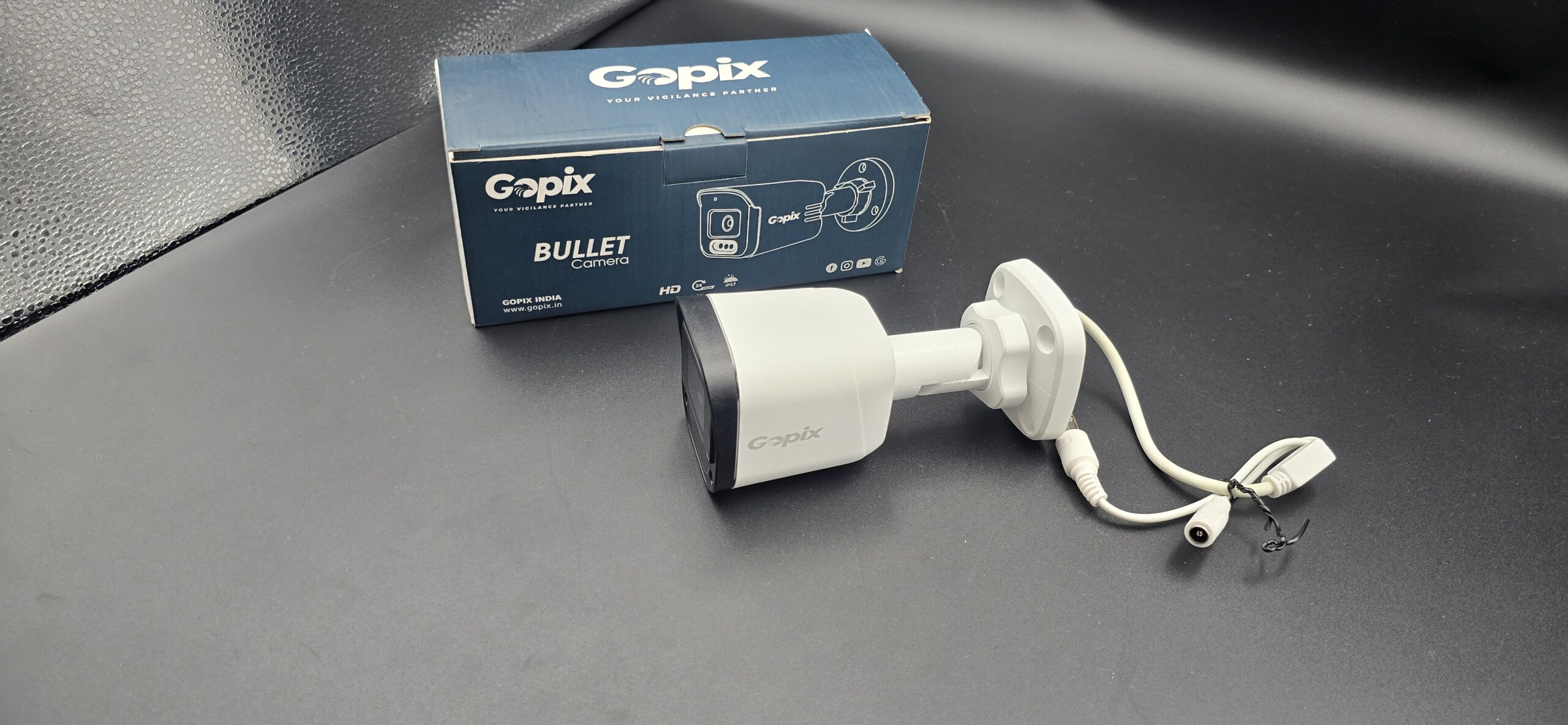
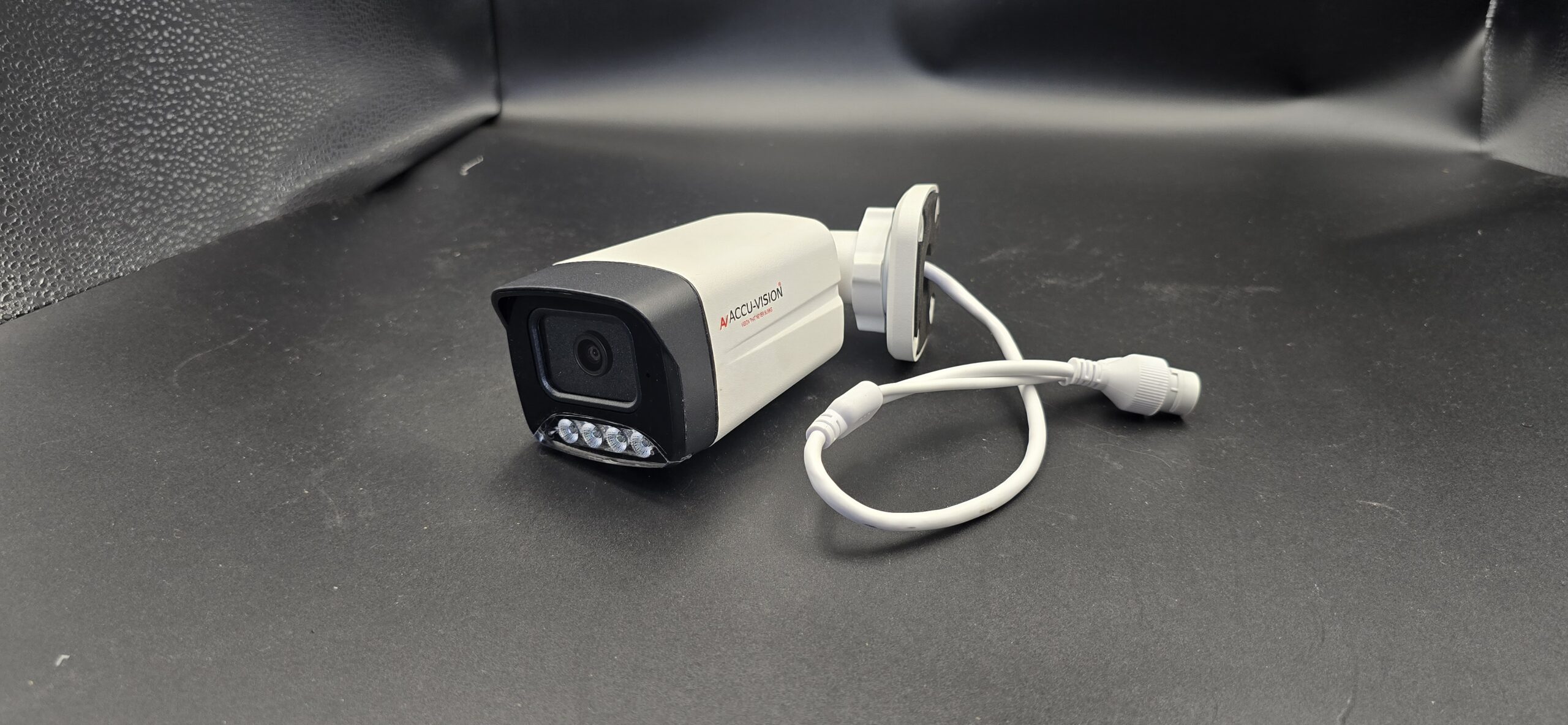
- Bullet cameras — Long-range outdoor view
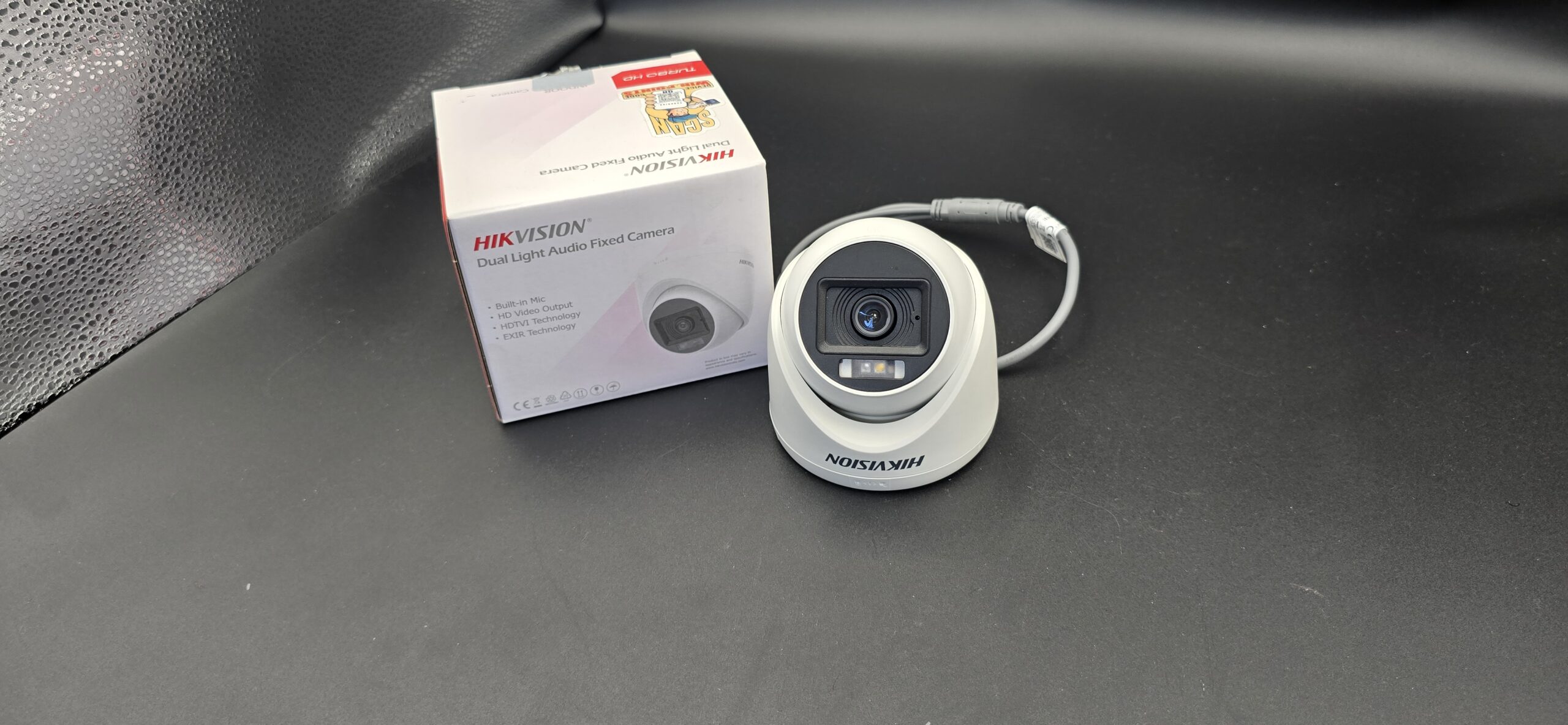
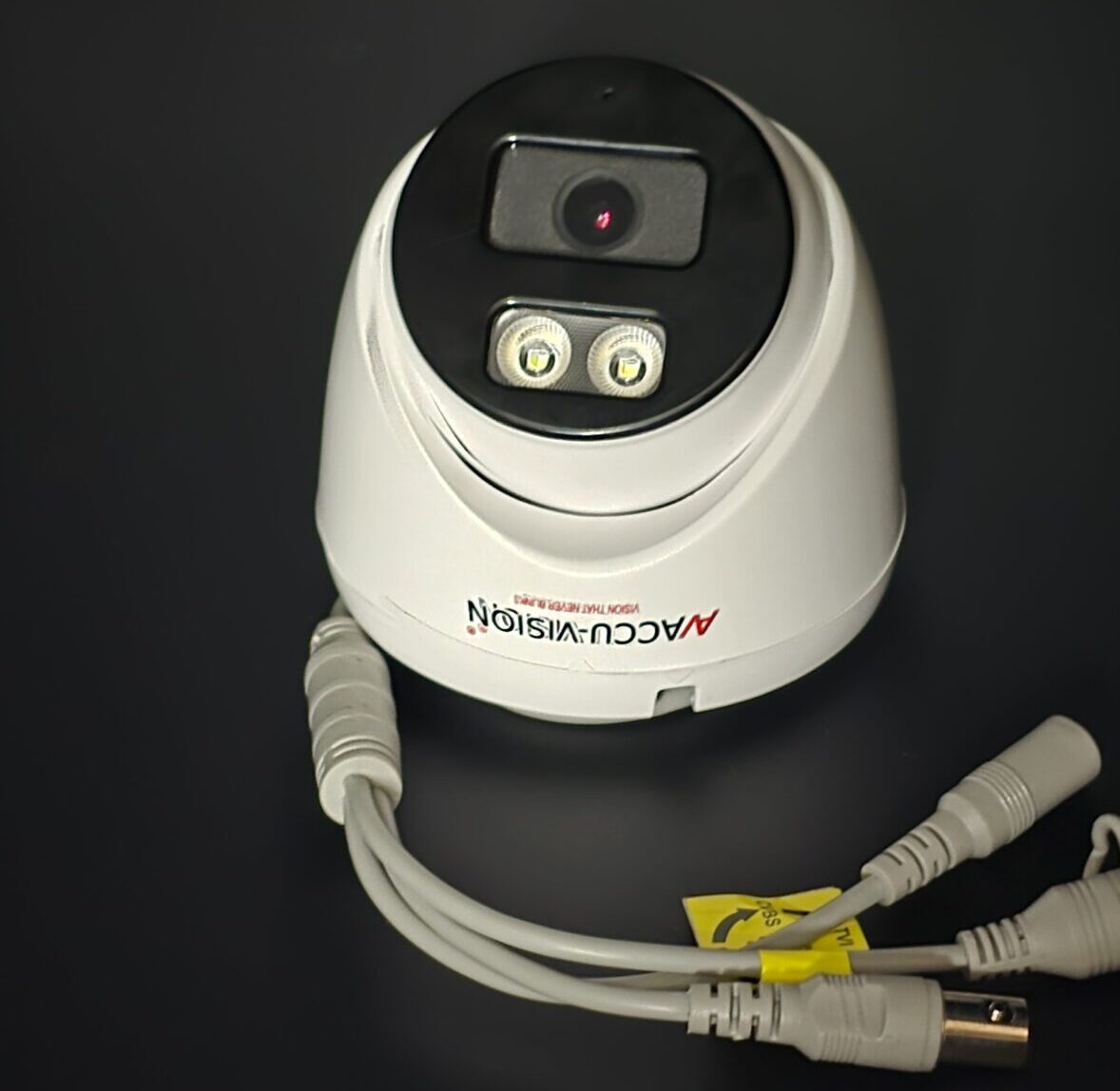
- Dome cameras — Wide indoor coverage
- PTZ cameras — Pan, tilt, zoom for dynamic monitoring
Choose based on where and how much area you want to cover.
📦 Step 8: Storage Options
Think about how footage is stored:
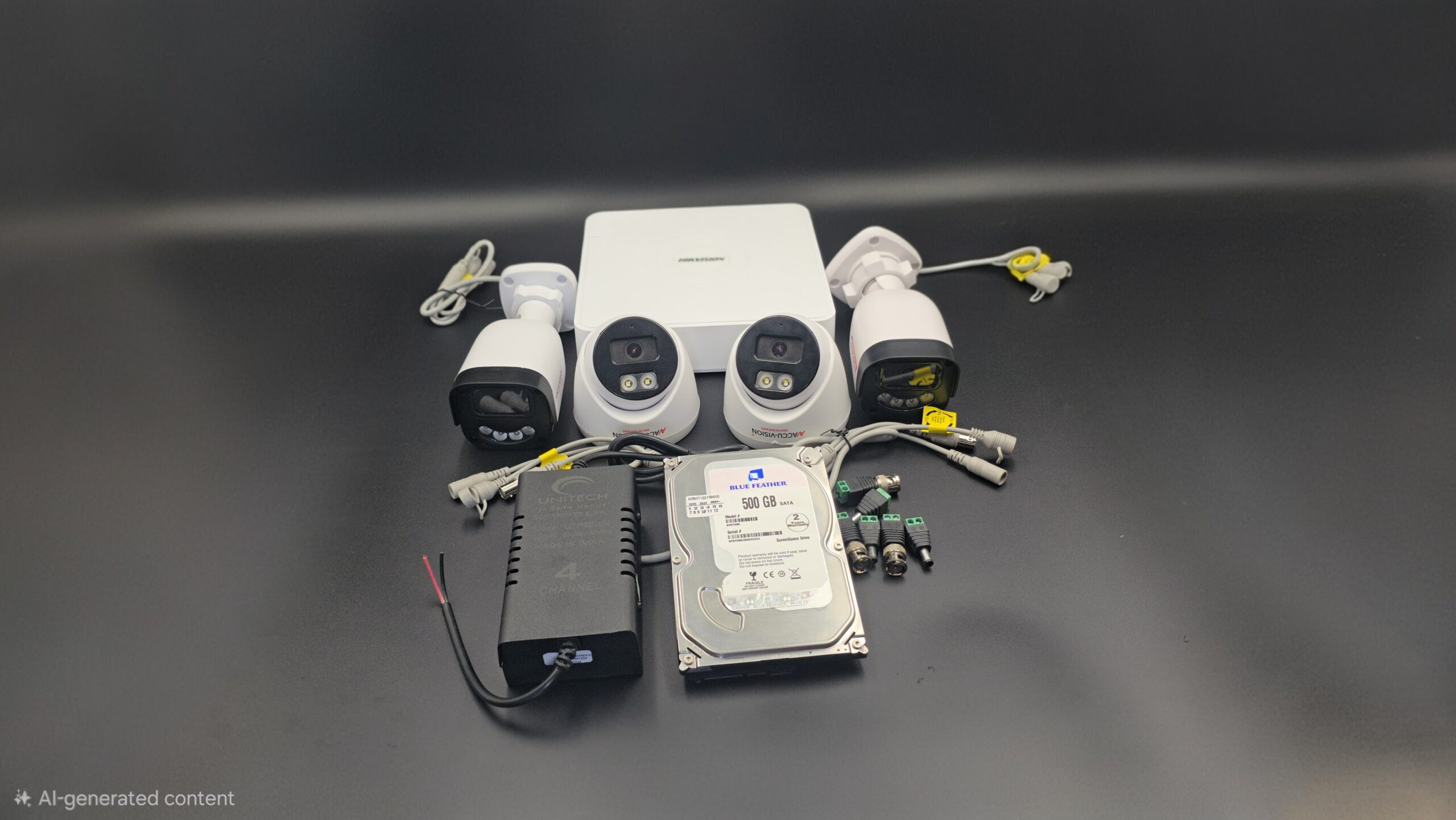
✔ Local storage (SD/DVR/NVR) – No internet dependency
✔ Cloud storage – Safe backup and remote access
More storage means longer recording history — important if you need to review past events.
🔔 Step 9: Smart Features
Today’s cameras can do more than record:
✔ Motion detection alerts – Get notified on suspicious activity
✔ Two-way audio – Talk through the camera
✔ AI features – Face detection or smart alerts
These make your CCTV proactive, rather than just passive recording.
🧠 Step 10: Budget & Warranty
Security cameras range from basic to advanced. While it’s tempting to go for the cheapest option, investing in a quality camera gives:
-
Better footage
-
Longer lifespan
-
Fewer maintenance costs
Always check the warranty and support — good brands usually have reliable service options.
🏁 Wrap-Up: Quick Checklist
✔ Define where and why you need the camera
✔ Choose the right resolution
✔ Ensure strong night vision
✔ Decide wired or wireless
✔ Enable remote monitoring
✔ Check waterproof/ dustproof rating
✔ Pick camera types based on coverage
✔ Plan how footage will be stored
✔ Look at smart features
✔ Set a sensible budget and check warranty
📸 Free CCTV Camera Photos (Use in Your Blog)






Recent Comments