
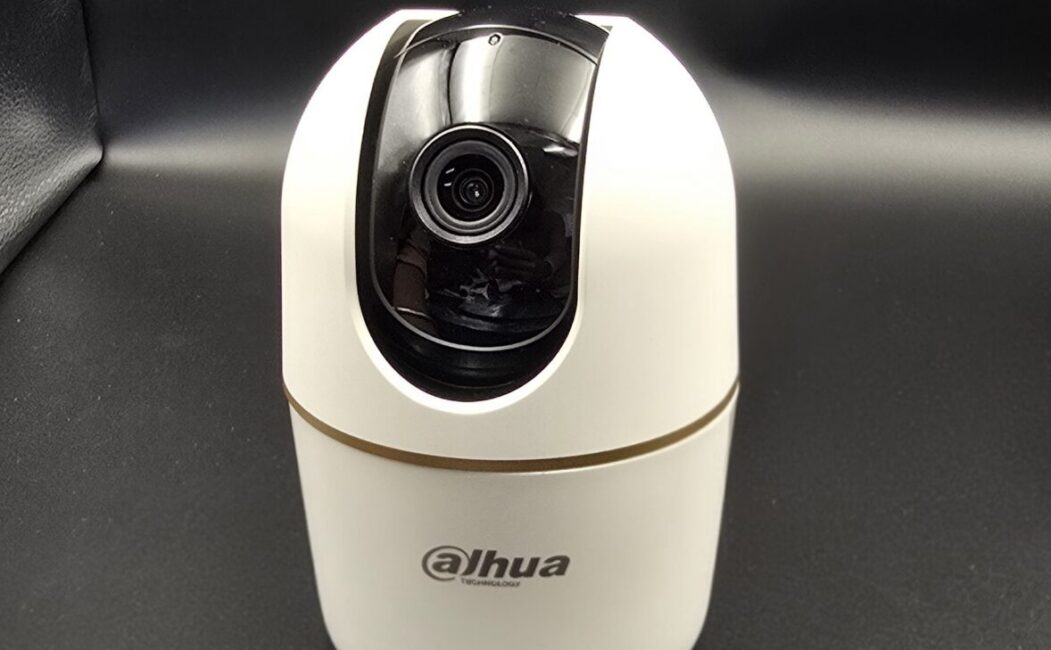
CCTV Camera Cloud Storage: The Future of Smart Surveillance
In today’s digital world, security is no longer limited to physical locks and guards. CCTV cameras have become an essential part of homes, offices, retail stores, and industrial facilities. But simply installing cameras is not enough — how and where you store the footage matters just as much. This is where CCTV camera cloud storage comes in.
Cloud storage is transforming video surveillance by offering secure, flexible, and accessible solutions for storing footage. Let’s explore what it is, how it works, and why it’s becoming the preferred choice for modern security systems.
What Is CCTV Cloud Storage?
CCTV cloud storage is a system where video footage from surveillance cameras is stored on remote servers (the cloud) instead of local devices like DVRs (Digital Video Recorders) or NVRs (Network Video Recorders).
Instead of saving recordings on a physical hard drive at your location, the footage is encrypted and transmitted over the internet to secure data centers. You can then access it anytime, from anywhere, using a smartphone, tablet, or computer.
How Does It Work?
- Camera captures video – The CCTV camera records video as usual.
- Internet connection – The footage is sent via a secure internet connection.
- Cloud server storage – The video is stored in encrypted cloud servers.
- Remote access – Users can log into an app or web portal to view live or recorded footage.
Key Benefits of CCTV Cloud Storage
1. Remote Access Anytime, Anywhere
One of the biggest advantages is the ability to monitor your property from anywhere in the world. Whether you’re traveling or at home, you can check live feeds instantly.
2. Enhanced Security
Local storage devices can be stolen, damaged, or destroyed. With cloud storage, your footage remains safe even if the camera or recorder is tampered with.
3. Automatic Backups
Cloud systems automatically store and back up your recordings, reducing the risk of data loss.
4. Scalability
Need to add more cameras? Cloud storage makes it easy to scale without installing additional hardware.
5. Reduced Maintenance
Unlike DVRs/NVRs, cloud systems don’t require regular hardware maintenance or manual backups.
Cloud Storage vs Local Storage
| Feature | Cloud Storage | Local Storage |
|---|---|---|
| Accessibility | Remote access | On-site access only |
| Risk of Theft | Low | High |
| Maintenance | Minimal | Requires hardware upkeep |
| Scalability | Easy | Limited by hardware |
| Upfront Cost | Lower | Higher (equipment cost) |
Is CCTV Cloud Storage Safe?
Yes, most reputable cloud providers use:
- End-to-end encryption
- Multi-factor authentication
- Secure data centers
- Regular software updates
However, security also depends on using strong passwords and reliable internet connections.
Who Should Use CCTV Cloud Storage?
Cloud storage is ideal for:
- Homeowners
- Small businesses
- Retail shops
- Warehouses
- Multi-location enterprises
- Property managers
It is especially useful for businesses with multiple branches, as it allows centralized monitoring.
Things to Consider Before Choosing Cloud Storage
Before investing, consider:
- Internet speed and reliability
- Monthly or annual subscription costs
- Storage duration (7, 15, 30, or 90 days retention)
- Data privacy regulations in your country
- Customer support and service reliability
The Future of CCTV Surveillance
With advancements in AI and smart analytics, cloud-based CCTV systems are becoming even more powerful. Features like facial recognition, motion detection alerts, and real-time notifications are easier to implement with cloud platforms.
As technology continues to evolve, cloud storage will likely become the standard for modern surveillance systems.
Conclusion
CCTV camera cloud storage offers a secure, flexible, and convenient way to manage surveillance footage. It eliminates the risks associated with physical storage devices and provides easy remote access for users.
Whether for home security or business protection, cloud-based CCTV storage is a smart investment for the future.
Leave a Reply