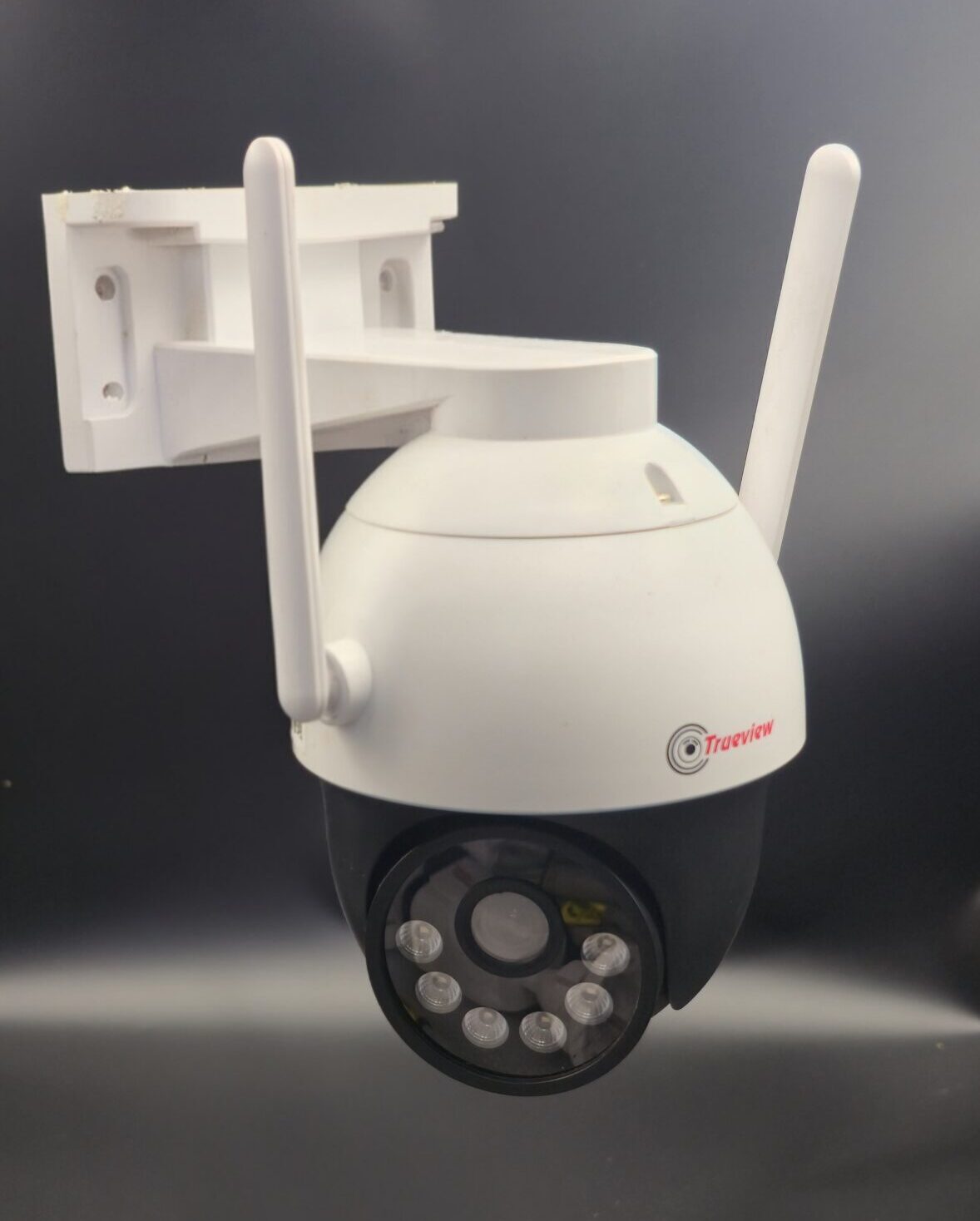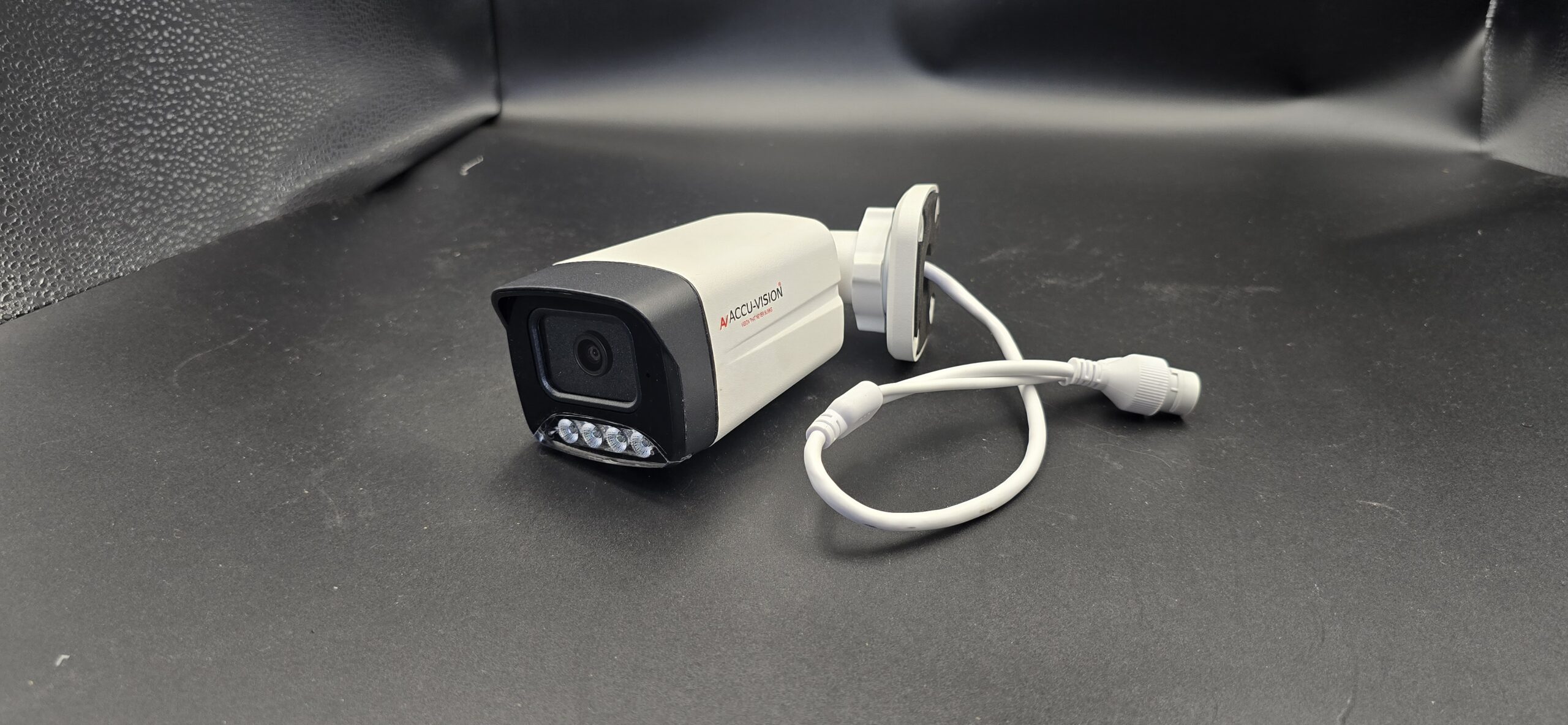
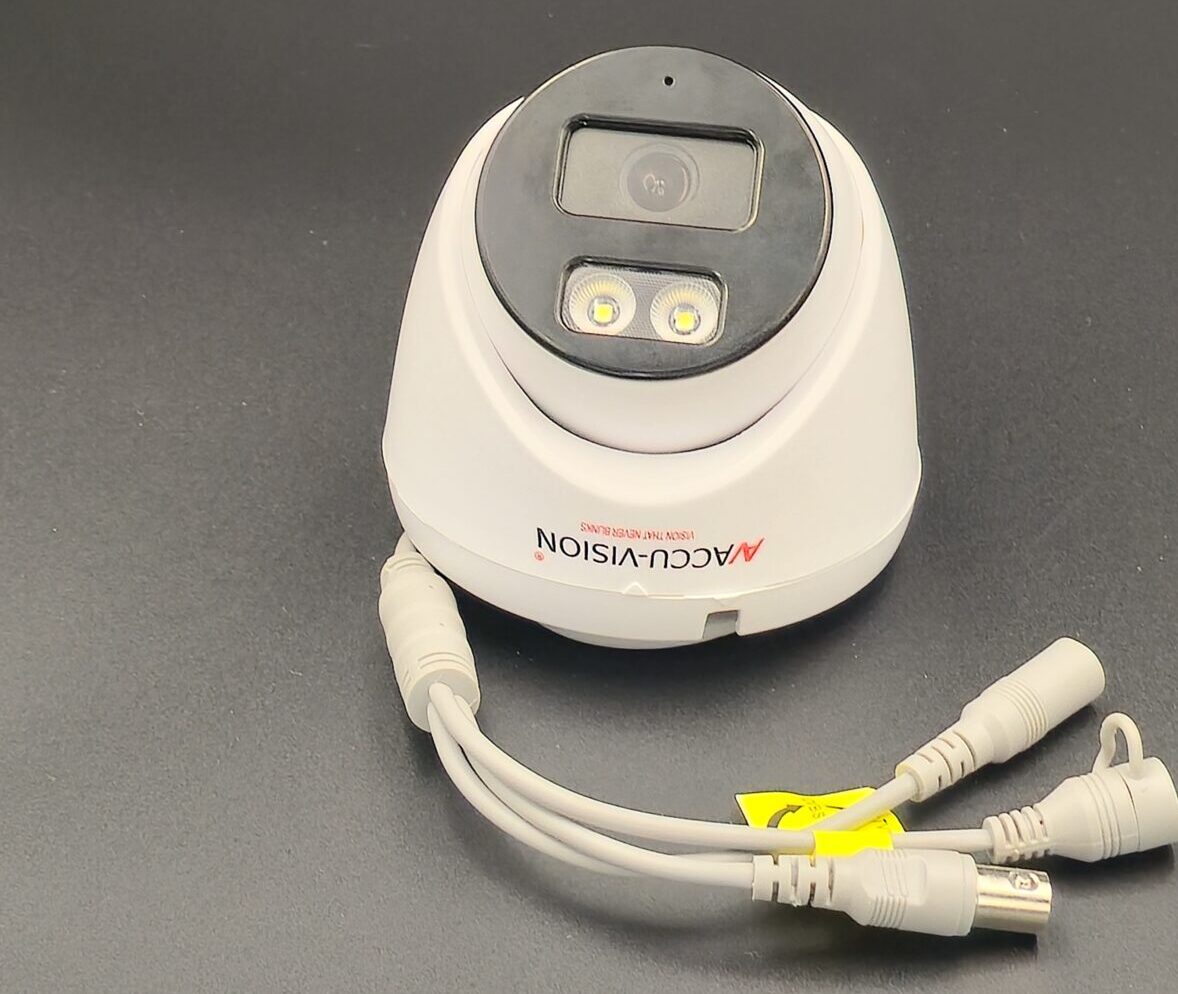
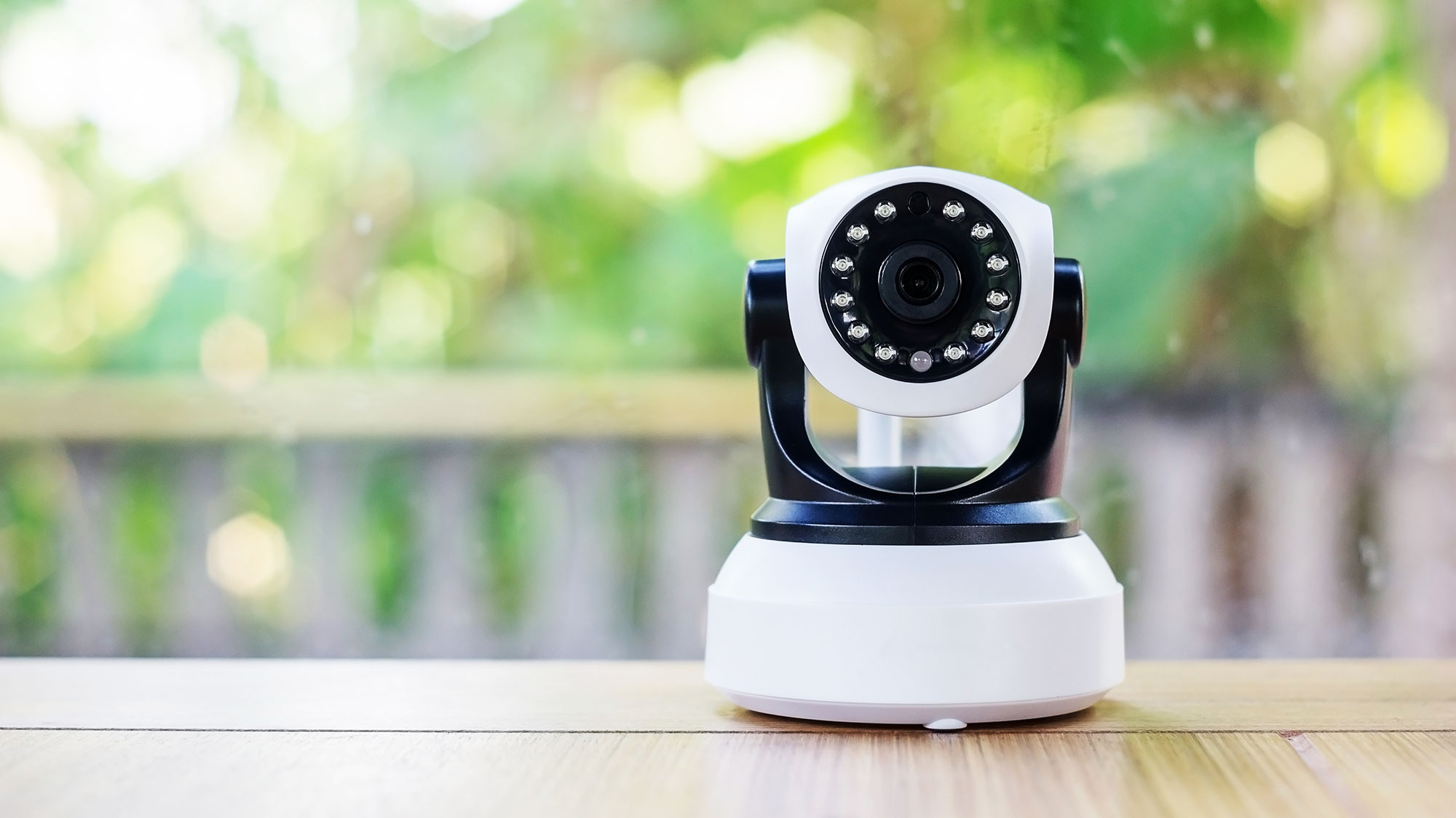
• dazzlinginfotech.co.in
  • No. 81, 33, Thiyagappa Chetty St, Meenambal Nagar, Korukkupet, Old Washermanpet, Chennai, Tamil Nadu 600021

cctv camera

CCTV Camera Complete Setup

CCTV Camera Complete Setup: Step-by-Step Guide for Home & Business

A CCTV camera system is one of the most reliable ways to protect your home, office, shop, or warehouse. A complete setup ensures continuous monitoring, recorded evidence, and remote access for better security control. Whether you are installing a new system or upgrading an existing one, this comprehensive guide will walk you through the entire CCTV camera setup process.

What is a CCTV Camera System?

CCTV (Closed-Circuit Television) is a surveillance system where cameras transmit video signals to a limited set of monitors or recording devices. Unlike public broadcasting, CCTV footage is private and used mainly for security and monitoring.

Components of a Complete CCTV Setup

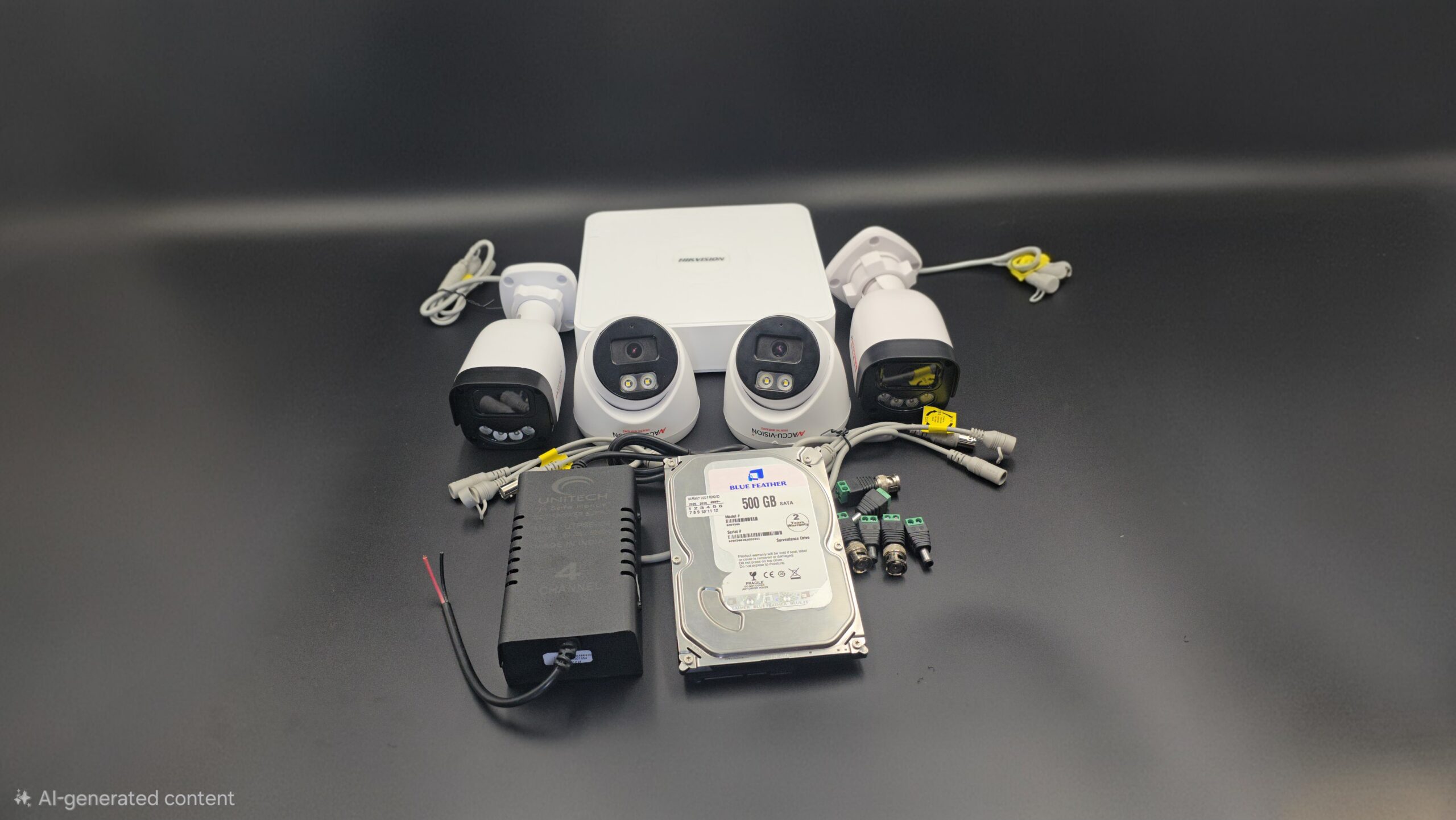
To install a CCTV system properly, you need the following equipment:

1. CCTV Cameras

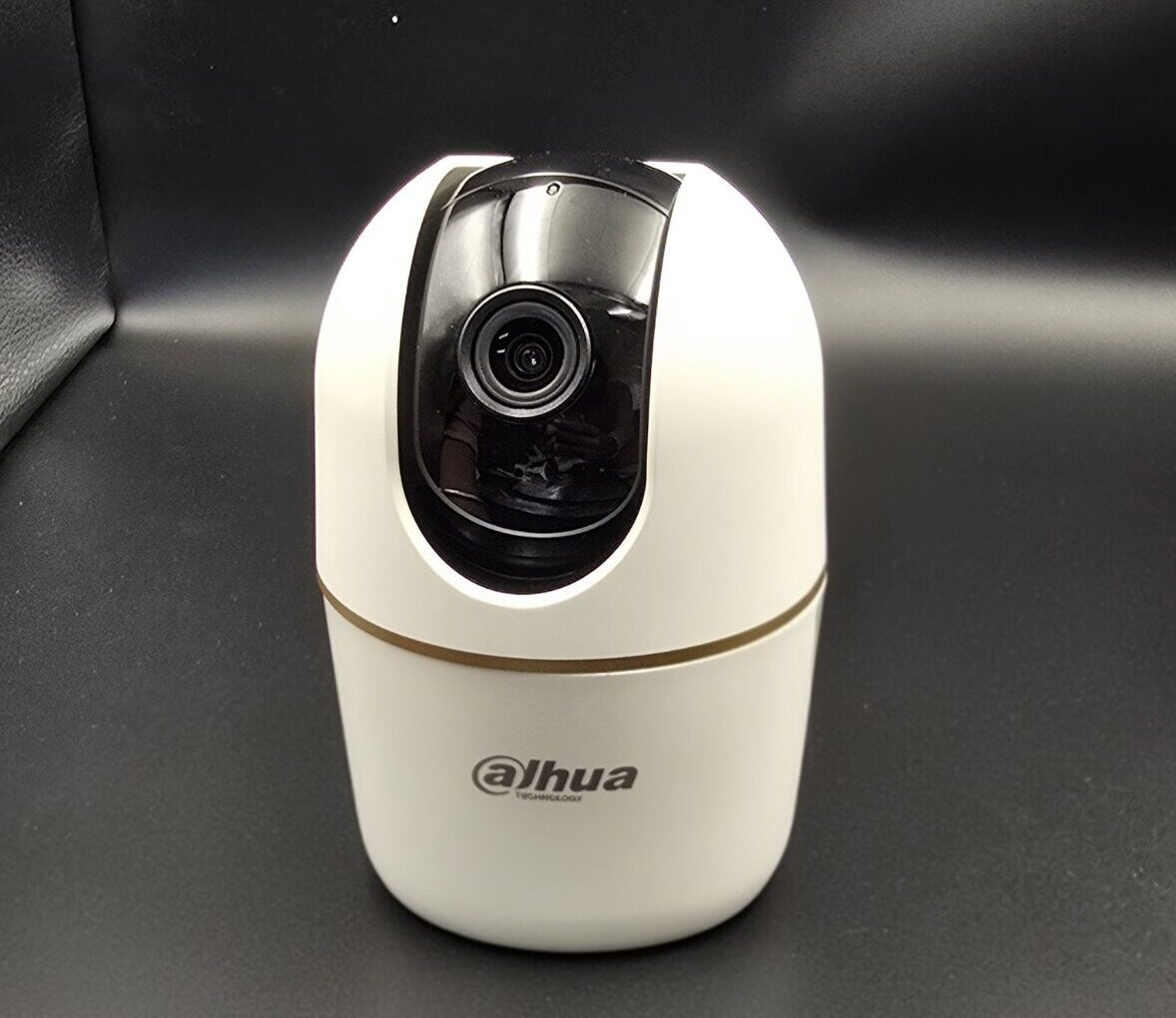
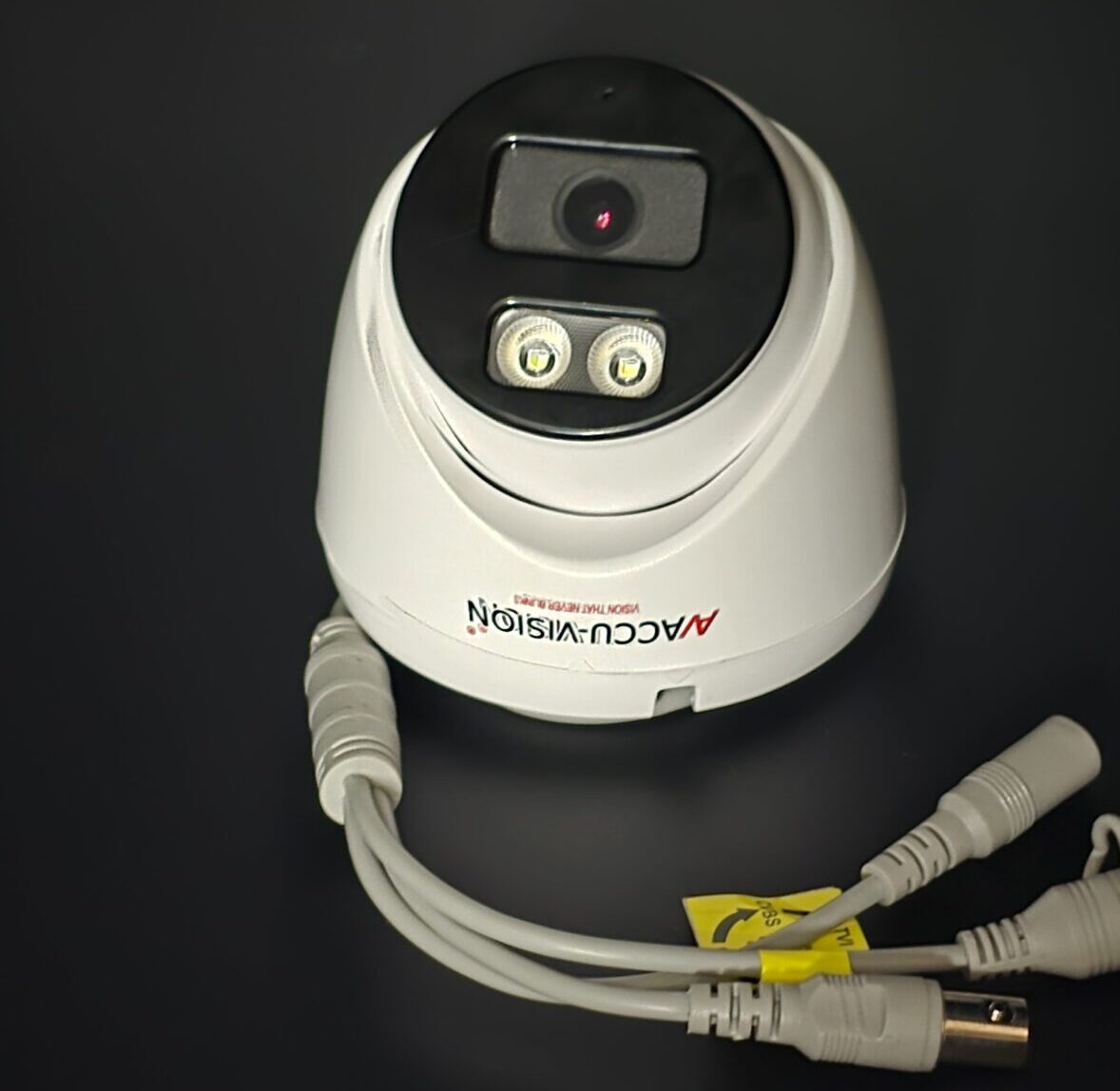
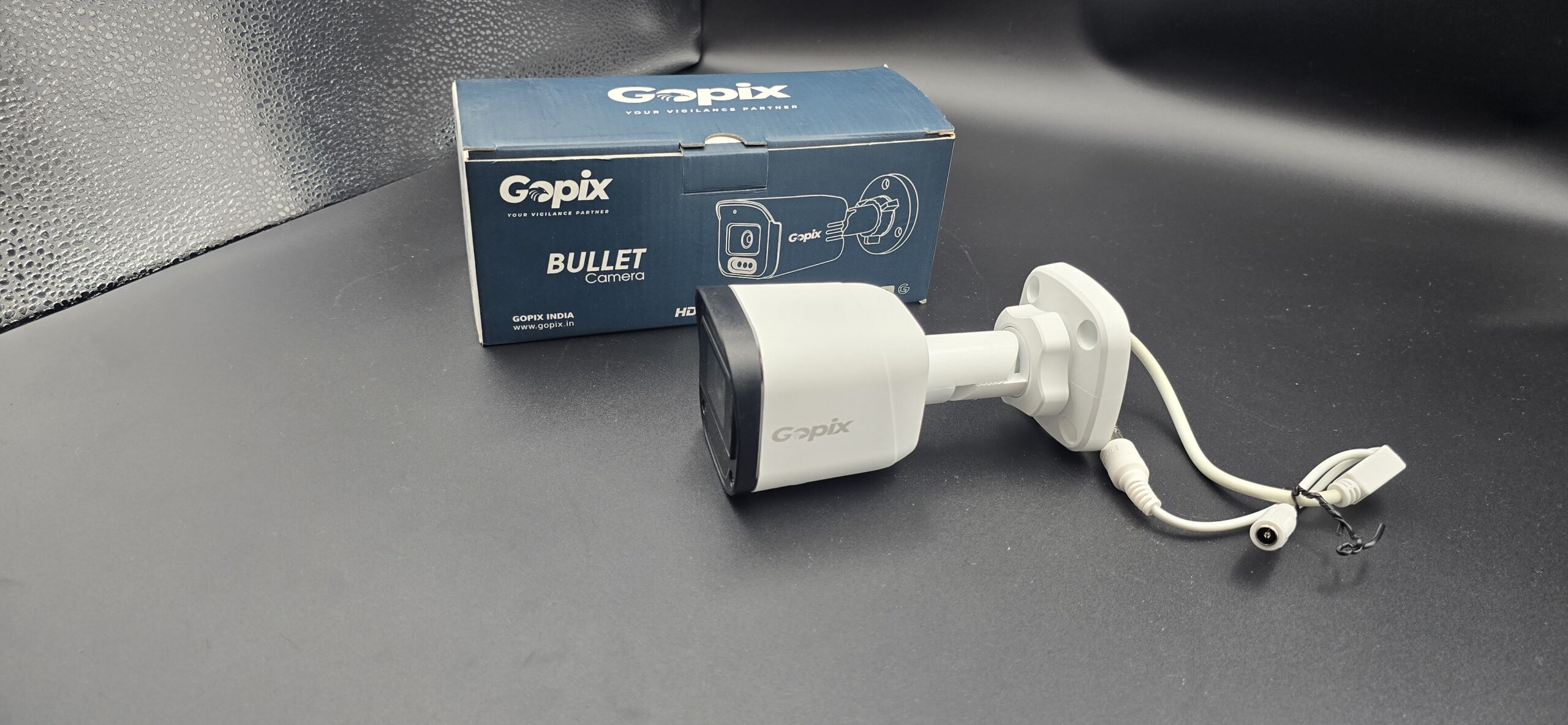
These capture video footage. Common types include:

2. DVR or NVR

  • DVR (Digital Video Recorder) – Used for analog cameras
  • NVR (Network Video Recorder) – Used for IP cameras

3. Hard Drive

Stores recorded video footage. Storage size depends on the number of cameras and recording duration.

4. Cables

  • Coaxial cables (analog systems)
  • Ethernet cables (IP systems)
  • Power cables

5. Power Supply

Provides electricity to cameras and recording devices.

6. Monitor

Used to view live footage and playback recordings.

7. Internet Router

Required for remote viewing via mobile app or computer.

Step-by-Step CCTV Camera Complete Setup

Step 1: Plan Camera Placement

Identify areas that need monitoring, such as:

  • Main entrance and exit
  • Driveway or parking area
  • Backyard
  • Hallways
  • Cash counter (for businesses)

Avoid installing cameras in private areas like bathrooms or bedrooms.

Step 2: Install Cameras

  • Mount cameras at a height of 8–10 feet.
  • Secure them using proper screws and brackets.
  • Adjust the angle to eliminate blind spots.
  • Ensure outdoor cameras are weatherproof and protected.

Step 3: Install DVR/NVR

Step 4: Connect Power Supply

  • Connect cameras to their power adapters.
  • Plug DVR/NVR into a power outlet.
  • Use surge protectors to avoid electrical damage.

Step 5: Connect to Monitor

  • Use HDMI or VGA cable to connect DVR/NVR to a monitor or TV.
  • Turn on the system and check camera feeds.

Step 6: Configure the System

After powering on:

  • Set date and time.
  • Create a strong admin password.
  • Choose recording mode (continuous or motion detection).
  • Adjust video resolution settings.
  • Set up remote viewing via mobile app.

Step 7: Test the System

  • Check live video quality.
  • Test night vision performance.
  • Verify motion detection alerts.
  • Playback recorded footage.
  • Ensure remote access works properly.

Wired vs Wireless CCTV Setup

Feature Wired CCTV Wireless CCTV
Installation Complex Easier
Stability Highly stable Depends on WiFi
Flexibility Fixed Easy to relocate
Cost Higher installation cost Lower installation cost

Wired systems are more stable for long-term use. Wireless systems are flexible and easier to install.

Tips for Better CCTV Performance

  • Choose at least 1080p HD cameras.
  • Ensure proper lighting for clear footage.
  • Use high-quality cables.
  • Regularly update firmware.
  • Secure system with strong passwords.
  • Clean camera lenses periodically.

Common Mistakes to Avoid

  • Poor camera placement
  • Ignoring blind spots
  • Weak internet connection (for IP cameras)
  • Not testing the system
  • Using low-quality equipment

Maintenance of CCTV System

To keep your system running smoothly:

  • Inspect wiring regularly.
  • Clean lenses for better clarity.
  • Monitor storage capacity.
  • Check hard drive health.
  • Review recorded footage periodically.

Conclusion

A complete CCTV camera setup involves proper planning, correct equipment selection, professional installation, and regular maintenance. When installed correctly, a CCTV system provides 24/7 surveillance, improved security, and peace of mind.

Investing in a CCTV camera system is not just about installing cameras—it’s about creating a safer environment for your family, employees, and property.
read more

CCTV Complete Setup

CCTV Complete Setup Guide: Everything You Need to Know

Installing a CCTV system is one of the smartest decisions you can make to improve security at your home or business. A complete CCTV setup not only deters crime but also provides real-time monitoring and recorded evidence when needed. Whether you are installing a system for the first time or upgrading an existing one, this detailed guide will walk you through the entire CCTV setup process.

What is a CCTV System?

CCTV (Closed-Circuit Television) is a surveillance system that uses cameras to transmit video signals to a specific set of monitors or recording devices. Unlike broadcast television, CCTV footage is private and used mainly for security and monitoring purposes.

Components of a Complete CCTV Setup

Before starting installation, it’s important to understand the main components required:

1. CCTV Cameras

These capture video footage. Options include:

  • Dome Cameras (indoor use)
  • Bullet Cameras (outdoor use)
  • PTZ Cameras (pan, tilt, zoom)
  • IP Cameras (internet-based)

2. DVR or NVR

  • DVR (Digital Video Recorder) – Used with analog cameras.
  • NVR (Network Video Recorder) – Used with IP cameras.

3. Hard Drive

Stores recorded footage. Choose storage capacity based on the number of cameras and recording duration.

4. Cables

  • Coaxial cables (for analog systems)
  • Ethernet cables (for IP systems)
  • Power cables

5. Power Supply

Provides electricity to cameras and recording devices.

6. Monitor

Used to view live footage and playback recordings.

7. Router/Internet Connection

Required for remote viewing via mobile apps or computers.

Step-by-Step CCTV Complete Setup Process

Step 1: Plan Camera Placement

Identify important areas that need surveillance:

  • Main entrance
  • Back door
  • Driveway
  • Parking area
  • Living room or hallway
  • Office workspaces

Avoid placing cameras in private areas such as bathrooms or bedrooms.

Step 2: Install Cameras

Step 3: Install DVR/NVR

  • Place DVR/NVR in a secure and ventilated location.
  • Insert and install the hard drive.
  • Connect cameras to DVR/NVR using appropriate cables.

Step 4: Connect Power Supply

  • Connect each camera to a power adapter.
  • Plug DVR/NVR into a power outlet.
  • Use surge protectors to prevent electrical damage.

Step 5: Connect to Monitor

  • Use HDMI or VGA cable to connect DVR/NVR to a monitor.
  • Turn on the system and check live camera feeds.

Step 6: Configure System Settings

  • Set date and time.
  • Create a strong password.
  • Choose recording mode (continuous or motion detection).
  • Set up remote viewing on your smartphone.
  • Configure alerts and notifications.

Step 7: Test the Entire System

  • Check video quality.
  • Test night vision.
  • Verify motion detection.
  • Playback recorded footage.
  • Ensure remote access works properly.

Wired vs Wireless CCTV Setup

Feature Wired CCTV Wireless CCTV
Installation More complex Easier
Stability Highly stable Depends on Wi-Fi
Cost Higher installation cost Lower installation cost
Flexibility Limited movement Easy to relocate

Wired systems are ideal for long-term, stable installations. Wireless systems are suitable for small homes or rental spaces.

Tips for a Better CCTV Setup

  • Choose at least 1080p resolution cameras.
  • Use high-quality cables.
  • Keep firmware updated.
  • Regularly check storage space.
  • Clean camera lenses periodically.
  • Secure your system with a strong password.

Common Mistakes to Avoid

  • Installing cameras too low
  • Ignoring lighting conditions
  • Overlooking blind spots
  • Using weak internet for IP cameras
  • Not testing the system after installation

Maintenance After Installation

To keep your CCTV system running smoothly:

  • Inspect wiring monthly.
  • Clean lenses to maintain clarity.
  • Update software when required.
  • Check recording backups.
  • Ensure hard drive health.

Conclusion

A complete CCTV setup involves proper planning, correct equipment selection, professional installation, and regular maintenance. When installed correctly, a CCTV system provides 24/7 protection, remote monitoring, and valuable security for your property.

Investing in a complete CCTV setup is not just about installing cameras—it’s about ensuring safety, security, and peace of mind for you and your family or business.

read more

Install CCTV Camera in Home

Installing CCTV cameras at home is no longer a luxury—it’s a practical step toward ensuring safety, monitoring daily activities, and gaining peace of mind. Whether you want to protect your property from theft, keep an eye on deliveries, or monitor children and elderly family members, a well-installed CCTV system can make a significant difference. Here’s a complete guide to help you understand everything about installing CCTV cameras in your home.

Why Install CCTV Cameras at Home?

Home security is a growing concern. CCTV cameras act as both a deterrent and a monitoring tool. When potential intruders see cameras installed, they are less likely to target your home. In addition, modern CCTV systems allow remote access through smartphones, so you can monitor your property from anywhere in the world.

Key benefits include:

  • 24/7 surveillance
  • Crime prevention
  • Remote monitoring
  • Evidence collection
  • Increased property value
  • Peace of mind

Types of CCTV Cameras for Home

Before installation, it’s important to choose the right type of camera.

1. Dome Cameras

These are compact and ideal for indoor use. They are discreet and difficult to determine which direction they are facing.

2. Bullet Cameras

Best suited for outdoor areas. They have a long cylindrical shape and are highly visible, which helps deter criminals.

3. PTZ (Pan-Tilt-Zoom) Cameras

These cameras can move in different directions and zoom in for detailed monitoring. They are ideal for large properties.

4. Wireless Cameras

Easy to install and connect via Wi-Fi. They are perfect for homeowners who want minimal wiring.

5. IP Cameras

Internet Protocol (IP) cameras offer high-resolution video and remote access features.

Planning CCTV Camera Installation

Proper planning ensures maximum coverage and effectiveness.

Identify Key Areas

Install cameras at:

  • Main entrance
  • Back door
  • Garage
  • Driveway
  • Living room
  • Backyard

Avoid placing cameras in private areas like bathrooms or bedrooms to respect privacy.

Choose the Right Height

Mount cameras at least 8–10 feet above the ground. This prevents tampering while maintaining a clear view.

Ensure Proper Lighting

Although many cameras have night vision, installing them in well-lit areas improves video quality.

Steps to Install CCTV Cameras at Home

Step 1: Select the Camera System

Choose between wired and wireless systems based on your home layout and internet connectivity.

Step 2: Install the Mounting Brackets

Fix the brackets securely on walls or ceilings using screws and anchors.

Step 3: Position and Adjust the Camera

Attach the camera and adjust the angle to cover the intended area.

Step 4: Connect to Power and Network

  • Wired cameras require cable connections to DVR/NVR.

  • Wireless cameras need Wi-Fi setup and power connection.

Step 5: Configure the System

Install the required mobile app or software. Set up passwords, recording schedules, and motion alerts.

Step 6: Test the System

Check live feed, recording quality, night vision, and motion detection to ensure everything works properly.

Wired vs Wireless CCTV: Which Is Better?

Feature Wired CCTV Wireless CCTV
Installation Complex Easy
Stability Very stable Depends on Wi-Fi
Cost Higher installation cost Lower installation cost
Flexibility Limited Highly flexible

If you want long-term reliability, wired systems are ideal. If you prefer easy installation and flexibility, wireless systems are a better choice.

Maintenance Tips for CCTV Cameras

  • Clean camera lenses regularly.
  • Check cables and power supply.
  • Update firmware and software.
  • Review recorded footage periodically.
  • Ensure storage space is sufficient.

Cost of Installing CCTV at Home

The cost depends on:

  • Number of cameras
  • Camera type
  • Installation charges
  • Storage capacity
  • Brand and features

On average, a basic home CCTV system can range from affordable entry-level packages to more advanced systems with multiple high-definition cameras.

Common Mistakes to Avoid

  • Poor camera placement
  • Ignoring blind spots
  • Weak passwords
  • Not backing up footage
  • Choosing low-quality cameras

Final Thoughts

Installing CCTV cameras in your home is a smart investment in safety and security. With the right planning, proper equipment, and regular maintenance, you can create a reliable surveillance system that protects your loved ones and property. Whether you choose a wired or wireless setup, the key is to ensure full coverage and easy monitoring access.

read more

CCTV Camera FAQs for Beginners

CCTV Camera FAQs for Beginners: Everything You Need to Know Before Buying

If you’re considering installing a CCTV camera system for your home or business, you probably have many questions. With so many types, features, and technical terms, it can feel overwhelming at first.

This beginner-friendly FAQ guide answers the most common questions about CCTV cameras, helping you make an informed decision.

1. What Is a CCTV Camera?

CCTV stands for Closed-Circuit Television. It is a surveillance system that uses video cameras to record and monitor activities in a specific area.

Unlike regular television broadcasts, CCTV footage is transmitted to a limited number of monitors or recording devices for security purposes.

2. How Does a CCTV Camera Work?

A CCTV camera captures video footage and sends it to a recording device such as:

  • DVR (Digital Video Recorder) – for analog systems
  • NVR (Network Video Recorder) – for IP systems

The footage can then be stored, viewed live, or played back later.

3. What Is the Difference Between Analog and IP Cameras?

Analog Cameras:

IP Cameras:

  • Connected through internet/network
  • Higher resolution
  • Remote viewing capability
  • More advanced features

IP cameras are generally preferred for modern security systems.

4. Do CCTV Cameras Work at Night?

Yes. Most modern CCTV cameras come with infrared (IR) night vision technology that allows them to record in low-light or complete darkness.

Some advanced cameras also offer color night vision.

5. Can I View CCTV Cameras on My Phone?

Yes. Most modern systems allow remote viewing through mobile apps.

You can:

  • Watch live footage
  • Playback recorded videos
  • Receive motion alerts
  • Control camera angles (for PTZ cameras)

Remote access is one of the most popular features today.

6. How Much Storage Do I Need?

Storage depends on:

  • Number of cameras
  • Video resolution (HD, 2MP, 4MP, 4K)
  • Recording mode (continuous or motion-based)
  • Retention period (7 days, 30 days, etc.)

A professional installer can calculate the required hard drive capacity based on your needs.

7. Are CCTV Cameras Legal?

Yes, CCTV cameras are legal in most countries for security purposes.

However:

  • Cameras should not be installed in private areas (bathrooms, changing rooms).
  • You must follow local privacy laws.
  • It’s recommended to display CCTV warning signs.

Always check your local regulations before installation.

8. Do CCTV Cameras Record Audio?

Some cameras have built-in microphones, but audio recording laws vary by region. In some areas, recording audio without consent is illegal.

It’s important to verify local laws before enabling audio recording.

9. What Is Motion Detection?

Motion detection allows cameras to start recording only when movement is detected.

Benefits include:

  • Saves storage space
  • Reduces review time
  • Sends instant alerts

This feature is highly useful for home security.

10. How Many Cameras Do I Need?

The number depends on:

  • Size of the property
  • Number of entry/exit points
  • Indoor vs. outdoor coverage
  • Blind spots

A small home may need 2–4 cameras, while businesses may require more extensive coverage.

11. Do CCTV Cameras Need Internet?

Not always.

  • Cameras can record without internet using DVR/NVR systems.
  • Internet is required for remote viewing and cloud storage.

If you only need local recording, internet is optional.

12. How Long Do CCTV Cameras Last?

On average, a quality CCTV camera lasts 5–10 years, depending on:

  • Brand and build quality
  • Weather conditions
  • Maintenance
  • Usage

Regular maintenance increases lifespan.

13. Can CCTV Cameras Be Hacked?

Like any internet-connected device, IP cameras can be vulnerable if not secured properly.

To prevent hacking:

  • Use strong passwords
  • Enable two-factor authentication
  • Keep firmware updated
  • Avoid default settings

Security configuration is essential.

14. Is Professional Installation Necessary?

While DIY installation is possible for small systems, professional installation ensures:

  • Proper camera placement
  • Correct wiring
  • Optimal coverage
  • Secure configuration

For businesses and large properties, professional setup is highly recommended.

Final Thoughts

CCTV cameras are one of the most effective tools for improving safety and peace of mind. Whether for home or business use, understanding the basics helps you choose the right system.

If you’re a beginner, start by identifying your security needs and consult a professional for guidance.

read more

CCTV Camera for Hospital Security

CCTV Cameras for Hospital Security: Ensuring Safety, Trust, and 24/7 Protection

Hospitals are among the most sensitive and high-traffic environments in any community. With patients, doctors, nurses, staff, and visitors moving around at all hours, maintaining safety and security is a constant challenge.

Installing a CCTV camera system in hospitals is no longer optional — it’s essential. A well-planned surveillance system helps protect patients, secure medical assets, and ensure a safe healthcare environment.

Let’s explore how CCTV cameras enhance hospital security and why they are crucial in modern healthcare facilities.

Why Hospitals Need CCTV Surveillance

Hospitals operate 24/7 and deal with vulnerable individuals, valuable equipment, and emergency situations. Without proper monitoring, risks such as theft, violence, and unauthorized access can increase.

CCTV systems provide:

  • Continuous monitoring
  • Improved emergency response
  • Protection of patients and staff
  • Prevention of theft and vandalism
  • Better operational control

Key Benefits of CCTV Cameras in Hospitals

1. Enhances Patient Safety

Patient safety is the top priority in any healthcare facility. CCTV cameras help:

Surveillance creates a safer environment for patients and their families.

2. Prevents Theft and Asset Loss

Hospitals house expensive medical equipment, medicines, and confidential records. CCTV cameras help reduce:

  • Theft of medical devices
  • Pharmacy stock losses
  • Equipment tampering
  • Unauthorized access to restricted areas

Monitoring high-value zones protects hospital investments.

3. Improves Staff and Visitor Security

Hospitals sometimes face incidents involving aggressive behavior or disputes. CCTV systems:

  • Deter violence
  • Provide evidence in case of conflicts
  • Protect healthcare workers
  • Monitor visitor activity

This improves overall workplace safety.

4. Strengthens Emergency Management

In emergency situations such as:

  • Code blue alerts
  • Fire incidents
  • Security threats
  • Crowd control issues

Real-time video access allows security teams to respond quickly and efficiently.

5. Monitors Entry and Exit Points

Installing cameras at:

  • Main entrances
  • Emergency exits
  • Ambulance bays
  • Parking areas

Helps track movement and prevent unauthorized access.

Combined with access control systems, CCTV enhances perimeter security.

6. Protects Against Legal Disputes

Hospitals may face complaints or legal claims related to:

  • Patient treatment disputes
  • Accidental injuries
  • Staff conduct
  • Visitor incidents

CCTV footage provides factual evidence, helping resolve issues fairly and transparently.

7. Supports Operational Efficiency

Beyond security, surveillance systems help hospital administrators:

  • Monitor crowd flow in waiting areas
  • Improve patient queue management
  • Track staff movement (where legally permitted)
  • Identify operational bottlenecks

This leads to better service delivery.

Important Areas for CCTV Installation in Hospitals

To maximize effectiveness, cameras should be installed in:

  • Entrances and exits
  • Reception areas
  • Waiting rooms
  • Corridors and hallways
  • Parking lots
  • Pharmacy storage
  • ICU entrances (following privacy laws)
  • Emergency departments

⚠️ Cameras must NOT be placed in private areas such as bathrooms, changing rooms, or areas violating patient privacy regulations.

Privacy and Compliance Considerations

Hospitals must follow strict privacy regulations when installing CCTV systems.

Best practices include:

  • Informing staff and visitors about surveillance
  • Displaying CCTV signage
  • Complying with healthcare privacy laws
  • Securing video storage with restricted access
  • Defining clear data retention policies

Balancing security with patient confidentiality is critical.

Choosing the Right CCTV System for Hospitals

When selecting a surveillance system, hospitals should consider:

  • High-resolution cameras (HD or 4K)
  • Night vision capability
  • Wide-angle coverage
  • Secure NVR/DVR systems
  • Cloud backup options
  • UPS power backup
  • Encrypted remote access

Professional installation ensures proper camera placement and full coverage.

Final Thoughts

CCTV cameras play a vital role in strengthening hospital security. From protecting patients and staff to preventing theft and supporting emergency response, surveillance systems create a safer and more efficient healthcare environment.

In today’s healthcare landscape, investing in a reliable CCTV system is a smart and responsible decision for every hospital.

read more

CCTV Camera for School Security

CCTV Cameras for School Security: Protecting Students, Staff, and Campus

School safety has become a top priority for educational institutions worldwide. Parents expect a secure environment for their children, and school administrators are responsible for ensuring student and staff safety at all times.

One of the most effective tools for strengthening campus security is a CCTV camera system. Modern surveillance solutions help schools prevent incidents, monitor activities, and respond quickly to emergencies.

Let’s explore why CCTV cameras are essential for school security and how they create a safer learning environment.

Why Schools Need CCTV Surveillance

Schools are busy environments with hundreds or even thousands of students, teachers, visitors, and staff moving around daily. Without proper monitoring, it becomes difficult to manage safety effectively.

CCTV systems provide:

Key Benefits of CCTV Cameras in Schools

1. Prevents Unauthorized Access

Installing cameras at entry and exit points helps monitor who enters and leaves the campus. This reduces the risk of:

Combined with access control systems, CCTV significantly strengthens perimeter security.

2. Reduces Bullying and Misconduct

Bullying remains a serious concern in schools. Cameras installed in hallways, playgrounds, and common areas help:

Students are less likely to engage in misconduct when they know they are being monitored.

3. Enhances Emergency Response

In case of emergencies such as:

  • Fights
  • Medical incidents
  • Fire outbreaks
  • Security threats

CCTV footage allows administrators and authorities to quickly assess the situation and respond appropriately.

Real-time monitoring can save valuable time during critical moments.

4. Protects School Property

Schools invest heavily in infrastructure, equipment, computers, and laboratory tools. Surveillance cameras help prevent:

  • Theft
  • Vandalism
  • Property damage

Monitoring classrooms, libraries, and storage areas protects school assets.

5. Ensures Staff Accountability

CCTV systems also support staff supervision and safety. They can:

6. Improves Overall Discipline

When students and visitors know that surveillance is active, overall behavior tends to improve. CCTV cameras promote:

  • Respectful conduct
  • Reduced rule violations
  • Safer school culture

A monitored environment encourages responsibility.

Important Areas to Install CCTV in Schools

For maximum effectiveness, cameras should be installed in:

⚠️ Cameras should NOT be installed in private areas such as restrooms or changing rooms.

Remote Monitoring for School Administrators

Modern IP-based CCTV systems allow school authorities to:

This adds convenience and strengthens security management.

Legal and Privacy Considerations

When installing CCTV in schools, it’s important to:

  • Inform parents and staff about surveillance policies
  • Display CCTV signage
  • Follow local privacy laws
  • Secure stored footage properly
  • Limit access to authorized personnel

Transparency builds trust with parents and the community.

Choosing the Right CCTV System for Schools

When selecting a system, consider:

  • High-resolution cameras (HD or 4K)
  • Night vision capability
  • Weatherproof outdoor cameras
  • Sufficient storage capacity
  • Backup power supply
  • Secure cloud or local storage

Professional installation ensures optimal coverage and reliability.

Final Thoughts

CCTV cameras play a crucial role in strengthening school security. They help prevent incidents, improve discipline, protect property, and ensure a safe learning environment for students and staff.

In today’s world, investing in a reliable school surveillance system is not just an option — it’s a responsibility.

read more

CCTV Camera Safety Benefits

CCTV Camera Safety Benefits: Why Every Home & Business Needs Surveillance

In today’s world, safety is no longer optional — it’s essential. Whether you own a home, manage an office, or run a retail store, installing CCTV cameras has become one of the most effective ways to enhance security and peace of mind.

Modern surveillance systems do more than just record footage. They actively prevent crime, protect assets, and create safer environments. Let’s explore the key safety benefits of CCTV cameras and why investing in one is a smart decision.

1. Crime Prevention and Deterrence

One of the biggest advantages of CCTV cameras is their ability to deter criminal activity.

Visible security cameras discourage:

  • Theft
  • Vandalism
  • Trespassing
  • Break-ins
  • Shoplifting

Criminals are far less likely to target properties with visible surveillance systems because the risk of being identified increases significantly.

2. 24/7 Monitoring

CCTV systems provide round-the-clock surveillance, ensuring your property is monitored even when you’re not physically present.

With features like:

  • Night vision
  • Motion detection
  • Continuous recording
  • Remote access

You can monitor activity at any time, from anywhere.

3. Real-Time Remote Access

Modern CCTV cameras allow live streaming through smartphones, tablets, or computers.

This means you can:

Remote monitoring adds an extra layer of control and confidence.

4. Evidence Collection

In case of incidents such as theft, accidents, or disputes, CCTV footage provides reliable evidence.

Recorded video can:

  • Help identify suspects
  • Support police investigations
  • Resolve employee or customer disputes
  • Strengthen insurance claims

Clear video documentation protects you legally and financially.

5. Improved Employee Safety and Productivity

For businesses, CCTV cameras help create a safer working environment.

Benefits include:

Employees tend to follow rules more carefully when they know the workplace is monitored.

6. Enhanced Customer Security

In retail stores, malls, and public spaces, CCTV systems help ensure customer safety.

They help:

  • Monitor crowd control
  • Prevent shoplifting
  • Respond quickly to emergencies
  • Improve overall customer trust

Customers feel safer in monitored environments.

7. Protection Against False Claims

Businesses often face false liability claims. CCTV footage can clarify what actually happened during:

Video evidence reduces the risk of costly legal battles.

8. Monitoring High-Risk Areas

CCTV cameras allow focused monitoring of sensitive areas such as:

  • Cash counters
  • Server rooms
  • Warehouses
  • Parking lots
  • Entry and exit points

This ensures critical assets remain protected at all times.

9. Parental and Family Safety

For homeowners, CCTV cameras offer peace of mind by allowing parents to:

Home security cameras add a strong layer of family protection.

10. Emergency Response Support

During emergencies such as fires, medical incidents, or break-ins, CCTV systems provide real-time information.

Security teams and authorities can:

  • Assess the situation quickly
  • Make informed decisions
  • Respond faster

This can significantly reduce damage and improve safety outcomes.

Final Thoughts

CCTV cameras are no longer a luxury — they are a necessity for modern safety and security. From preventing crime to providing crucial evidence and ensuring peace of mind, the safety benefits are undeniable.

Whether for residential or commercial use, investing in a quality CCTV system is a proactive step toward creating a secure environment.

read more

CCTV Camera Installation Checklist

The Ultimate CCTV Camera Installation Checklist (2026 Guide)

Installing a CCTV system is one of the smartest decisions you can make to protect your home, office, warehouse, or retail store. But simply buying cameras isn’t enough. Proper planning and installation determine how effective your security system will be.

To help you get it right, here’s a complete CCTV camera installation checklist to ensure maximum coverage, performance, and long-term reliability.

✅ 1. Identify Your Security Needs

Before purchasing or installing anything, ask yourself:

  • What areas need monitoring? (Entrance, parking lot, cash counter, warehouse, backyard, etc.)
  • Do you need indoor, outdoor, or both types of cameras?
  • Is remote viewing required?
  • Do you need night vision?
  • How long do you want footage stored?

Understanding your needs prevents overspending and ensures proper coverage.

✅ 2. Choose the Right Type of CCTV Camera

Different environments require different cameras.

Common Types:

  • Dome Cameras – Ideal for indoor surveillance
  • Bullet Cameras – Best for outdoor long-distance monitoring
  • PTZ Cameras – Pan, Tilt, Zoom functionality for large areas
  • IP CamerasHigh-definition and remote access
  • Wireless Cameras – Easier installation with flexible placement

Choose based on your property size, lighting conditions, and security level required.

✅ 3. Plan Camera Placement Strategically

Proper positioning is crucial for effective surveillance.

Key Areas to Cover:

Placement Tips:

  • Install cameras at a height of 8–10 feet
  • Avoid pointing directly at bright light sources
  • Ensure clear line of sight
  • Protect outdoor cameras from weather exposure

✅ 4. Check Lighting Conditions

Even the best cameras fail without proper lighting.

✅ 5. Decide Between Wired or Wireless Setup

Wired CCTV

✔ More stable connection
✔ Ideal for large properties
✔ Less interference

Wireless CCTV

✔ Easier to install
✔ Flexible placement
✔ Suitable for small properties

Choose based on your infrastructure and budget.

✅ 6. Ensure Proper Storage Setup

Your CCTV system is only useful if footage is stored correctly.

✅ 7. Secure Power Supply & Backup

Power interruptions can compromise security.

  • Use surge protectors
  • Install UPS (Uninterruptible Power Supply)
  • Consider backup generators for commercial properties
  • Conceal wiring to prevent tampering

✅ 8. Configure Remote Viewing

Modern CCTV systems allow remote monitoring via smartphone or desktop.

  • Install official monitoring apps
  • Set up secure login credentials
  • Enable two-factor authentication
  • Test live streaming and playback features

✅ 9. Test All Cameras Thoroughly

Before finalizing installation:

  • Check video clarity (day and night)
  • Confirm recording functionality
  • Test motion detection alerts
  • Verify remote access
  • Ensure proper date/time stamping

Never skip the testing phase.

✅ 10. Follow Legal & Privacy Regulations

Always ensure compliance with local laws.

  • Inform employees or residents about surveillance
  • Avoid placing cameras in private areas (bathrooms, changing rooms)
  • Display CCTV warning signs
  • Store footage securely

Failure to comply can result in legal consequences.

✅ 11. Schedule Regular Maintenance

Maintenance ensures long-term performance.

  • Clean camera lenses monthly
  • Check cables and connections
  • Update firmware
  • Review footage quality periodically
  • Replace faulty equipment immediately

Final Thoughts

A CCTV system is only as effective as its installation. By following this CCTV camera installation checklist, you ensure better security coverage, improved reliability, and peace of mind.

Whether you’re securing your home or protecting a business, proper planning and professional installation make all the difference.

read more

CCTV Camera Backup Battery Option

CCTV Camera Backup Battery Options: Ensure 24/7 Security Without Interruptions

Security is something you can’t compromise — especially when it comes to CCTV camera systems. But what happens when the power goes out? Whether it’s a storm, maintenance issue, or unexpected outage, loss of electricity can leave your surveillance blind at the worst possible moment.

That’s where backup battery options for CCTV cameras come in. In this blog, we’ll explore why backup power matters, the types of battery solutions available, how long they last, and how to choose the right one for your security system.

Why Backup Battery for CCTV Cameras Is Essential

When the mains power fails:

✔ Your cameras stop recording
✔ Alerts and notifications stop
✔ Evidence may be lost
✔ Security risks increase

With a backup battery in place, your CCTV system continues recording and protecting your property — even during outages.

Types of CCTV Backup Battery Options

1. UPS (Uninterruptible Power Supply)

A UPS is the most common backup option for CCTV systems. It provides instantaneous backup power when mains electricity fails.

How it works:

  • UPS stays connected between the power source and CCTV system
  • When power fails, it instantly switches to battery mode
  • Keeps cameras, DVR/NVR, and network active

📌 Best for:
Homes, small offices, and systems where short outage coverage (30–120 minutes) is needed

2. Dedicated CCTV Battery Pack

Some manufacturers offer battery packs designed specifically for CCTV systems. These are often compact and optimized for long standby times.

Features:

  • Built-in battery management
  • Designed to power cameras directly
  • Easy to install

📌 Best for:
Wireless or IP cameras with built-in battery support

3. Solar + Battery Backup System

Ideal for outdoor and remote CCTV installations where power supply is limited.

How it works:

  • Solar panels charge a battery bank
  • The battery powers the cameras during low sunlight or night time

📌 Best for:
Remote sites, construction areas, farms, outdoor perimeters

4. PoE Switch with Battery Backup

For NVR systems using PoE (Power over Ethernet):

Features:

  • PoE switch powers cameras and also has battery backup
  • Single device for power and network connectivity
  • Clean and efficient setup

📌 Best for:
Modern IP camera networks

How Long Do Backup Batteries Last?

  • Battery duration depends on:
  • Number of cameras
  • Power consumption per camera
  • Type and capacity of battery (Ah rating)
  • Additional devices (DVR/NVR, router)

Here’s a rough estimate:

System Type Estimated Backup Time
UPS (600–1000 VA) 30–120 minutes
Dedicated battery pack (12V 7Ah) 1–3 hours
Solar + Battery Bank 6–24+ hours (depends on setup)
PoE Battery Backup 1–5 hours

⚠ Keep in mind:
Heavy infrared use at night and high-resolution cameras consume more power.

Choosing the Right Backup Battery

Calculate Power Consumption

Add the power draw of:

  • Cameras
  • DVR/NVR
  • Router/Switch
  • Monitor (if needed)

This helps you choose the right battery size.

Select Battery Capacity (Ah)

Battery capacity determines the runtime:

Higher Ah = Longer backup time

Examples:

  • 12V 7Ah – Basic backup
  • 12V 12Ah – Moderate runtime
  • 100Ah+ – Extended runtime (large systems or solar setups)

Consider Automatic Shutdown

Some advanced UPS and battery systems can safely shut down devices before the battery drains completely.

Factor in Temperature

Extreme heat or cold reduces battery performance. Keep batteries in a cool, dry place.

Installation Tips

📌 1. Place the battery close to the DVR/NVR – Minimizes cable loss
📌 2. Use a quality UPS brand – Long service life and better protection
📌 3. Check regularly – Test the backup system monthly
📌 4. Label power circuits – Helps during maintenance or repairs

Maintenance and Care

✔ Inspect battery terminals for corrosion
✔ Replace batteries every 2–4 years (lead-acid type)
✔ Keep batteries charged and tested
✔ Update DVR/NVR firmware for power management features

Benefits of Having Backup Power for CCTV

Continued protection during outages
Records critical events even without mains power
Peace of mind for homeowners and businesses
Prevents data loss and video gaps
Supports remote monitoring without interruption

Real Usage Scenarios

🏡 Home Security

A UPS keeps outdoor cameras and the DVR running during night outages.

🏢 Office or Retail Store

Battery backup supports cameras and network equipment until power is restored.

🌾 Remote Farms and Fields

Solar plus battery systems power cameras where grid power isn’t available.

🚧 Construction Sites

Portable battery packs keep temporary cameras functional throughout the day.

Conclusion

Backup power isn’t just a luxury — it’s a necessity for reliable CCTV surveillance. Whether you choose a UPS, dedicated battery pack, PoE backup, or a solar system, having an uninterrupted power plan ensures your cameras keep protecting what matters most.

Before choosing a battery solution, make sure to:
✔ Understand your system’s power needs
✔ Choose the right battery capacity
✔ Test your system regularly

read more

CCTV Camera Motion Detection Feature

CCTV Camera Motion Detection Feature: Smart Surveillance Made Smarter

In modern security systems, CCTV cameras are no longer passive recording devices — they’re active, intelligent tools that help detect unusual activity and alert you in real time. At the heart of this transformation is one of the most powerful features of modern CCTV systems: motion detection.

Whether you’re securing a home, office, retail store, or warehouse, understanding how motion detection works and how it benefits you can dramatically improve your surveillance strategy.

What Is Motion Detection in CCTV Cameras?

Motion detection is a smart feature that enables your CCTV system to identify movement within its field of view. Instead of recording continuously (which fills storage quickly), the camera records only when movement is detected, saving time, storage, and effort.

When motion is detected, the system can:

  • Trigger alerts (push notifications, email, SMS)
  • Start recording only relevant events
  • Trigger alarms or connected security systems
  • Capture snapshots for quick review

How Motion Detection Works

Motion detection in CCTV cameras generally uses one or more technologies:

📌 1. Pixel-Based Motion Detection

This method compares video frames over time. If there’s a change in pixel patterns (indicating movement), the camera flags it as motion.

✅ Pros:

  • Works on most IP and analog cameras

  • Simple to configure

⚠️ Cons:

  • Sensitive to lighting changes like shadows or headlights

📌 2. Passive Infrared (PIR) Sensors

Some CCTV systems include a PIR sensor that detects heat signatures. When a warm object (like a person or vehicle) moves in its range, it triggers the motion detection.

✅ Pros:

  • Reduces false triggers

  • Works well in low light

⚠️ Cons:

  • Usually only available in advanced systems

📌 3. Video Analytics (AI-Based)

Modern smart cameras use AI algorithms to analyze motion, distinguish between people, animals, vehicles, or background movement, and reduce false alarms.

✅ Pros:

  • High accuracy

  • Intelligent alerts (people-only, vehicle-only)

⚠️ Cons:

  • Costs more than basic motion detection systems

Benefits of Motion Detection

1. Saves Storage Space

By recording only when motion occurs, motion detection dramatically reduces the amount of footage saved, extending storage duration and reducing costs.

2. Reduces False Alerts

Smart motion detection filters out irrelevant movement (like tree shadows or insects), so you get only meaningful alerts.

3. Instant Alerts

Receive real-time notifications on your phone or email when motion is detected, helping you act quickly — whether it’s a delivery or a potential threat.

4. Faster Review

Instead of reviewing hours of footage, motion detection lets you jump directly to events with activity.

5. Smart Automation

Some systems can trigger alarms, turn on lights, or activate sirens when motion is detected — adding an extra layer of security.

Types of Motion Detection Alerts

Most CCTV systems provide flexible alert options:

📩 Push Notifications – Instant alerts on your smartphone app
📧 Email Alerts – With snapshot or video clips
🔔 On-Screen Alarms For local monitoring screens
📂 Event Logging – Sorted list of motion-triggered clips

Better Motion Detection: Tips for Optimal Performance

To get more reliable motion detection, here are some practical tips:

📍 Correct Camera Placement

  • Avoid pointing cameras toward busy roads or moving shadows.

  • Place cameras to capture entry points and vulnerable areas.

📍 Adjust Sensitivity Levels

  • Set the motion sensitivity so that small irrelevant movements don’t trigger alerts.

📍 Create Detection Zones

  • Many systems let you define zones (e.g., driveway only) where motion should be detected.

📍 Use Smart Cameras with Analytics

  • AI-based motion detection can distinguish between humans, pets, and vehicles.

Motion Detection vs Continuous Recording

Feature Motion Detection Continuous Recording
Storage Use Low High
Alerts Yes No
Easy Review Yes Time-consuming
False Alarms Reduced with AI None (but no event filters)

Real-Life Use Cases

🎥 Home Security — Capture only when someone approaches your door or yard
🛍️ Retail Stores — Get alerts for after-hours motion or suspicious behavior
🏢 Businesses & Offices — Monitor restricted areas only when activity is detected
🚗 Parking Lots — Detect vehicle movement and prevent theft or vandalism

Choosing the Right Motion Detection CCTV Camera

When selecting a CCTV system with motion detection, consider:

Camera Resolution – Higher resolution means clearer footage
AI Analytics Capabilities – For accurate motion filtering
Smart App Support – Easy remote monitoring
Storage Options – Local HDD vs Cloud storage
Sensitivity & Detection Zones – Custom configurations

Conclusion

The motion detection feature in CCTV cameras is a powerful tool that helps you focus on what matters — real activity — while saving time, storage, and effort. With smart alerts and AI-driven analytics, modern motion detection makes security systems efficient and user-friendly.

Whether you’re setting up security at home or for your business, motion detection is a must-have feature that transforms passive cameras into proactive sentinels.

read more