
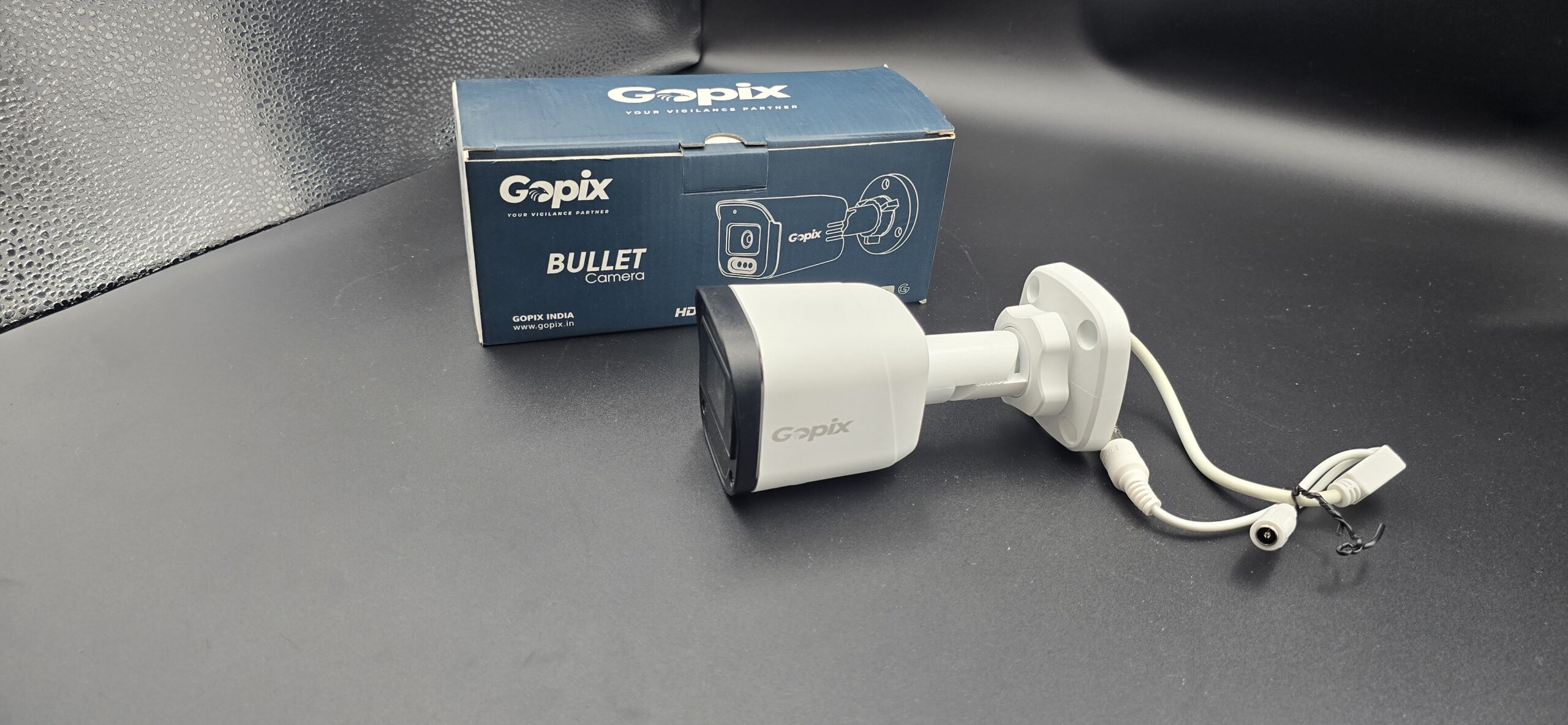
CCTV Camera Power Consumption
CCTV Camera Power Consumption: How Much Electricity Does It Use?
When installing a security system, many people ask: How much electricity does a CCTV camera use? Understanding CCTV camera power consumption helps you estimate electricity costs, choose the right power supply, and even plan backup solutions like UPS or solar systems.
Let’s break it down in simple terms.
How Much Power Does a CCTV Camera Consume?
Most CCTV cameras are energy-efficient and consume very low power compared to other home appliances.
Average Power Consumption:
- Basic Analog Camera: 4–8 watts
- IP Camera: 5–12 watts
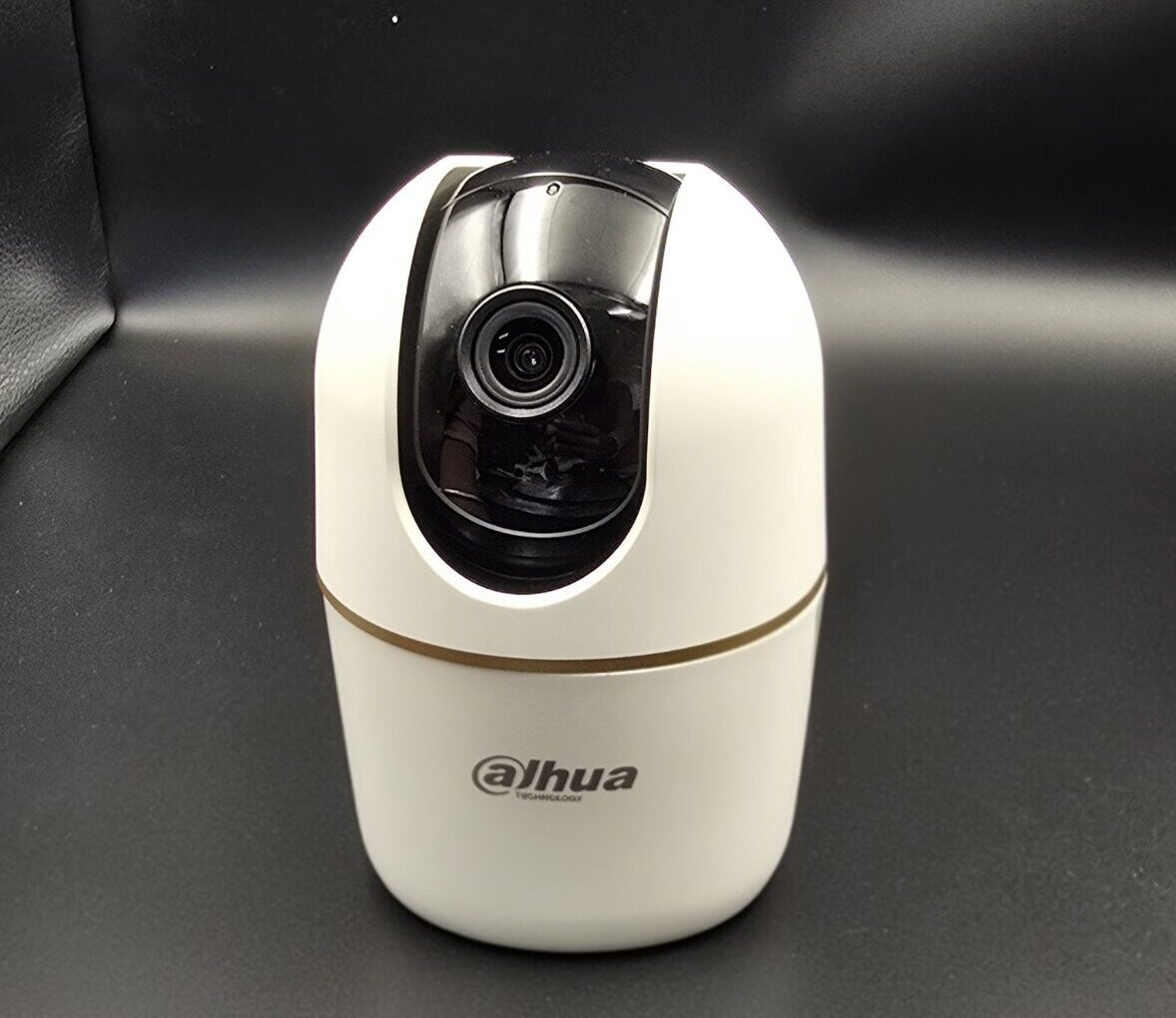
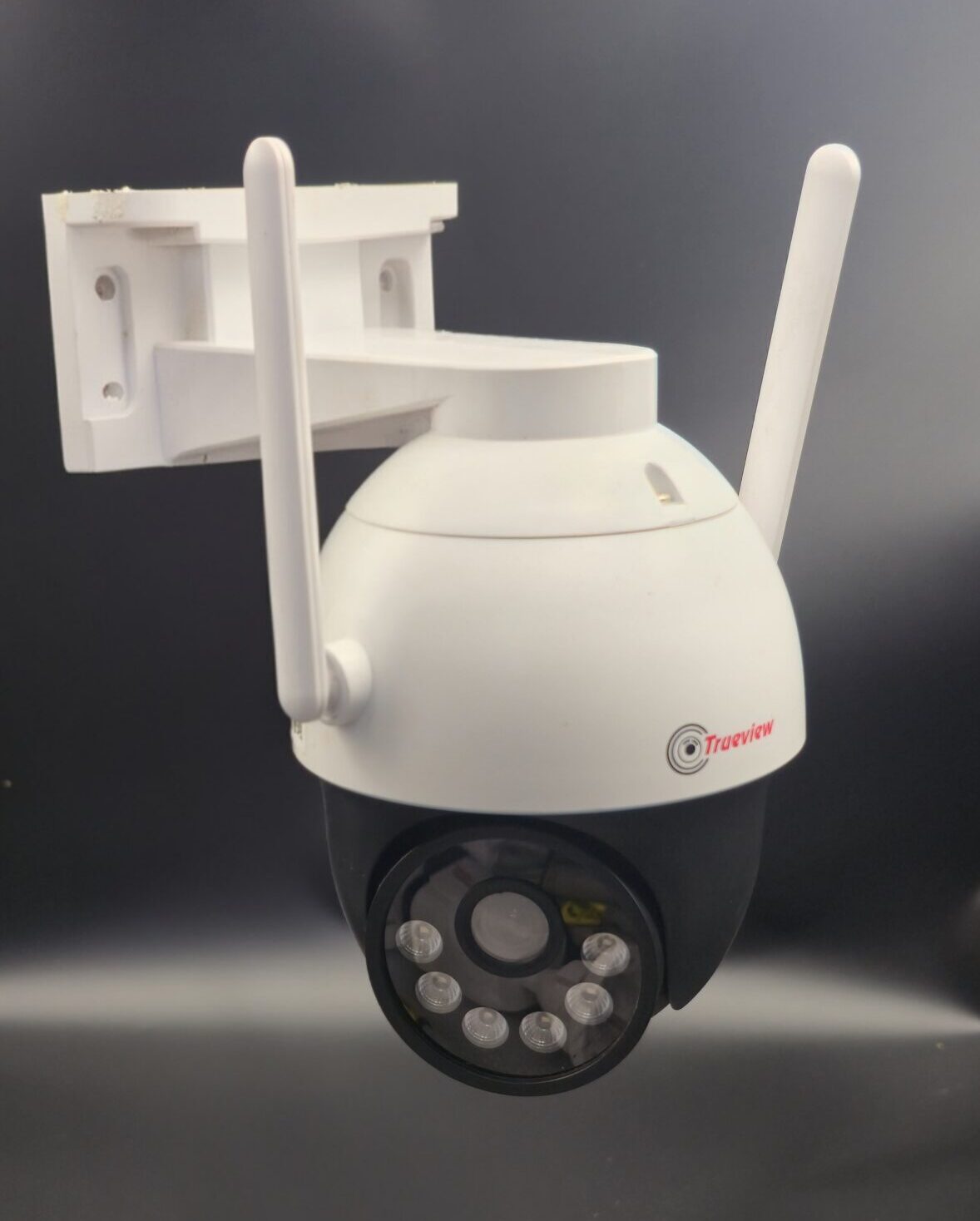
- PTZ Camera: 20–50 watts (due to motor movement)
- Wireless Wi-Fi Camera: 5–10 watts
- DVR/NVR System: 10–40 watts (depending on hard drive capacity)
Example: Monthly Electricity Cost Calculation
Let’s calculate for a standard setup:
Example Setup:
-
4 cameras (8 watts each)
-
1 DVR (20 watts)
Total Power Usage:
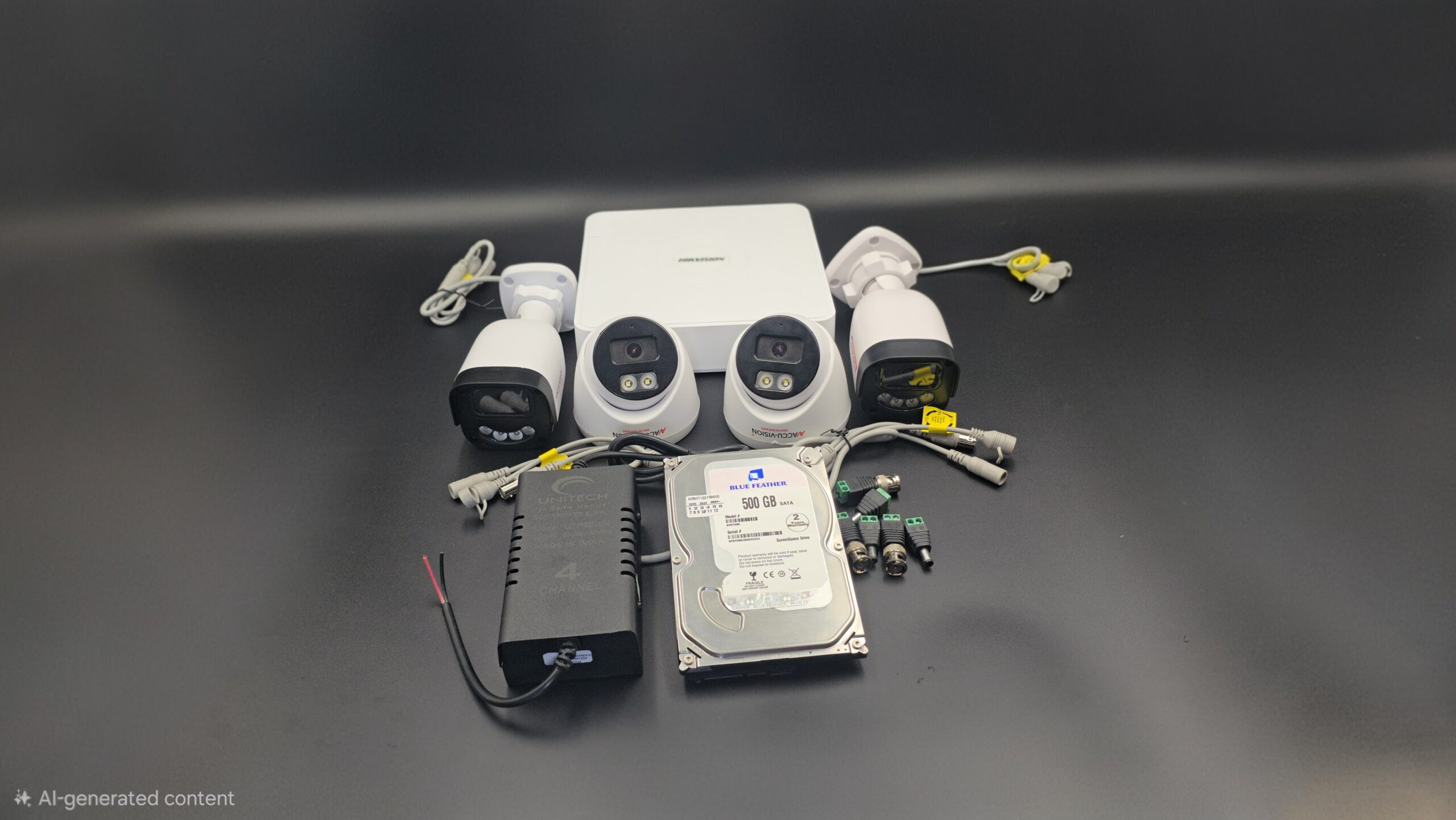
(4 × 8W) + 20W = 52 watts per hour
Daily Consumption:
52W × 24 hours = 1248 Wh (1.248 kWh)
Monthly Consumption:
1.248 × 30 days = 37.44 kWh
If electricity costs $0.12 per kWh:
37.44 × 0.12 = $4.49 per month
That’s very affordable for 24/7 security.
Factors That Affect CCTV Power Consumption
1. Camera Type
PTZ cameras use more power due to moving parts.
2. Night Vision (IR LEDs)
Infrared lights increase power usage at night.
3. Resolution
Higher resolution cameras may consume slightly more energy.
4. Storage Device
DVR/NVR with multiple hard drives uses more electricity.
5. Number of Cameras
More cameras = higher total consumption.
Does CCTV Increase Electricity Bill Significantly?
No. CCTV systems consume less power than:
- Refrigerator
- Air conditioner
- Water heater
- Microwave
Even with multiple cameras running 24/7, the electricity cost remains relatively low.
Power Supply Options for CCTV Cameras
1. Direct Power Adapter
Standard 12V DC adapter used in most cameras.
2. PoE (Power over Ethernet)
Single cable provides both power and data.
3. UPS Backup
Keeps cameras running during power cuts.
4. Solar Power System
Eco-friendly option for remote locations.
How to Reduce CCTV Power Consumption
- Use energy-efficient IP cameras
- Install motion recording instead of continuous recording
- Use LED IR cameras with smart night vision
- Turn off unnecessary cameras
- Use modern H.265 compression to reduce DVR load
Is CCTV Safe to Run 24/7?
Yes. CCTV systems are designed for continuous operation. They are built to handle 24-hour recording without major power issues.
However:
- Ensure proper ventilation for DVR/NVR
- Use quality power adapters
- Install surge protection
Final Thoughts
CCTV camera power consumption is relatively low and affordable for most homes and businesses. Even a multi-camera system running 24/7 adds only a small amount to your monthly electricity bill.
Security is a long-term investment, and the electricity cost is minimal compared to the protection it provides.
Recent Comments