
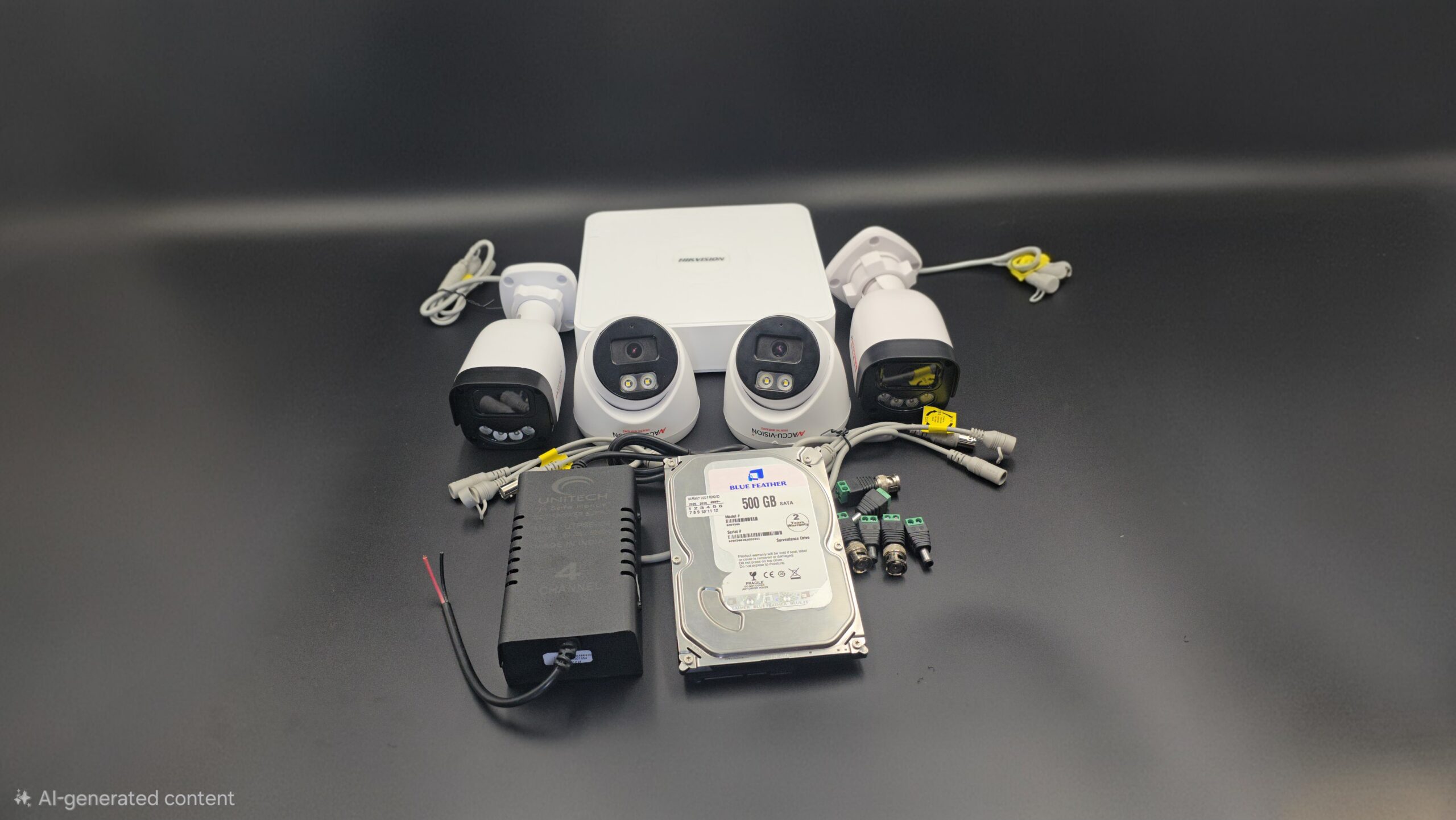
CCTV Camera Troubleshooting Tips
🔧 CCTV Camera Troubleshooting Tips: Complete Guide
CCTV cameras play a crucial role in security for homes, offices, factories, and commercial spaces. However, like any electronic system, CCTV cameras can sometimes stop working properly. Understanding common issues and their solutions can help you fix problems quickly without calling a technician.
This guide covers the most common CCTV camera problems and practical troubleshooting tips.
📌 1. No Video Signal on Monitor
🔍 Possible Causes
- Loose cables or connectors
- Power supply failure
- Faulty camera or DVR/NVR
- Incorrect channel selection
✅ Solutions
- Check power adapters and cables
- Reconnect BNC or network cables
- Test the camera with another power supply
- Restart DVR/NVR system
📌 2. CCTV Camera Not Powering On
🔍 Possible Causes
- Damaged power adapter
- Faulty wiring
- Power socket issue
✅ Solutions
- Replace the power adapter
- Check wiring connections
- Try a different power outlet
📌 3. Blurry or Poor Image Quality
🔍 Possible Causes
- Dirty lens
- Low resolution settings
- Incorrect focus
- Poor lighting
✅ Solutions
- Clean the camera lens with a soft cloth
- Adjust focus manually
- Increase camera resolution in settings
- Improve lighting conditions
📌 4. Night Vision Not Working
🔍 Possible Causes
- IR LEDs malfunction
- Strong nearby light source
- Camera settings issue
✅ Solutions
- Check IR LED status at night
- Remove nearby light interference
- Enable night mode in settings
📌 5. CCTV Camera Flickering or Distorted Video
🔍 Possible Causes
- Power interference
- Damaged cables
- Electrical noise
✅ Solutions
- Use a stable power supply
- Replace damaged cables
- Avoid running camera cables near high-voltage lines
📌 6. DVR/NVR Not Recording Footage
🔍 Possible Causes
- Hard disk failure
- Storage full
- Recording settings disabled
✅ Solutions
- Check hard disk status
- Format or replace HDD
- Enable recording in DVR/NVR settings
📌 7. Remote Viewing Not Working
🔍 Possible Causes
- Internet connection issues
- Wrong IP address or port
- App configuration error
✅ Solutions
- Check internet speed and router settings
- Reconfigure IP and port forwarding
- Update CCTV mobile app
📌 8. Camera Offline in Mobile App
🔍 Possible Causes
- Network failure
- Router restart needed
- Camera firmware issue
✅ Solutions
- Restart router and camera
- Reconnect camera to Wi-Fi
- Update camera firmware
📌 9. Water or Dust Damage in Outdoor Cameras
🔍 Possible Causes
- Low IP rating
- Improper installation
✅ Solutions
- Use IP66/IP67 waterproof cameras
- Seal connectors and cables properly
- Install protective housing
📌 10. CCTV System Keeps Restarting
🔍 Possible Causes
- Overheating
- Power fluctuations
- Software issues
✅ Solutions
- Improve ventilation
- Use UPS or surge protector
- Update DVR/NVR firmware
🛠️ Pro Maintenance Tips for CCTV Cameras
✔ Regularly clean camera lenses
✔ Check cables and power supply every month
✔ Update firmware and apps
✔ Backup important footage
✔ Use quality accessories and cables
✅ Conclusion
CCTV camera problems are common, but most issues can be solved with simple troubleshooting steps. Regular maintenance and proper installation can extend the life of your CCTV system and ensure reliable security.
If problems persist, it’s best to contact a professional CCTV technician.
Recent Comments