
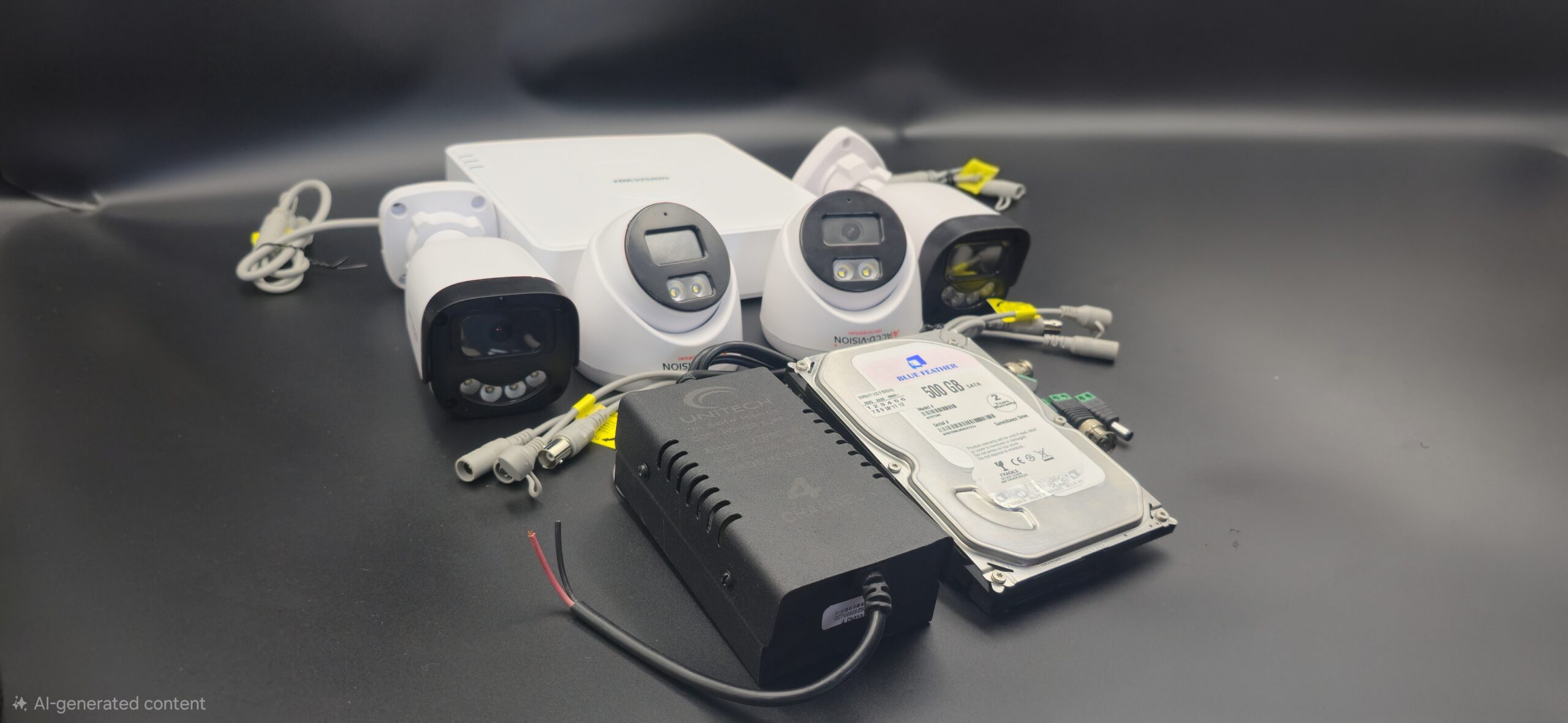
House Camera Installation
House Camera Installation: Complete Guide for Home Security
Installing security cameras in your house is one of the most effective ways to protect your family and property. With rising safety concerns, house camera installation has become a practical solution for homeowners who want 24/7 monitoring and peace of mind. Whether you choose wired CCTV cameras or modern WiFi security cameras, proper installation is key to getting the best results.
In this blog, we’ll cover everything you need to know about house camera installation—from planning to setup and maintenance.
Why Install Security Cameras at Home?
House cameras provide more than just video recording. They offer:
- 24/7 surveillance
- Crime deterrence
- Remote monitoring via smartphone
- Evidence collection
- Delivery and visitor monitoring
- Increased home value
When cameras are visible, they can discourage burglars and unwanted activity before it even happens.
Types of House Security Cameras
Before installation, it’s important to choose the right type of camera for your home.
1. Indoor Cameras
Perfect for living rooms, hallways, or staircases. They are compact and easy to install.
2. Outdoor Cameras
Weatherproof and durable, ideal for entrances, driveways, and backyards.
3. Dome Cameras
Discreet and commonly used indoors.
4. Bullet Cameras
Highly visible and great for outdoor security.
5. WiFi Cameras
Wireless cameras that connect through the internet for remote access.
6. IP Cameras
High-definition cameras that provide clear video and smart features.
Planning House Camera Installation
Proper planning ensures maximum coverage and effectiveness.
Identify Key Areas
Install cameras at:
- Main entrance
- Back door
- Garage
- Driveway
- Backyard
- Hallways
Avoid placing cameras in private areas like bathrooms or bedrooms.
Tools and Equipment Required
You may need:
- Security cameras
- DVR or NVR (for wired systems)
- Hard drive
- Power supply
- Ethernet or coaxial cables
- Drill machine and screws
- Monitor
- Internet router (for remote viewing)
Step-by-Step House Camera Installation
Step 1: Choose Camera Locations
Select areas with clear visibility and minimal obstructions. Ensure WiFi signal strength is strong for wireless cameras.
Step 2: Mount the Cameras
- Install cameras 8–10 feet above the ground.
- Use strong brackets and screws.
- Adjust angles to eliminate blind spots.
Outdoor cameras should be protected from direct rain and sunlight when possible.
Step 3: Run Cables (For Wired Systems)
- Connect cameras to DVR using coaxial or Ethernet cables.
- Secure wires properly to avoid damage.
- Keep cables hidden for a neat appearance.
Step 4: Connect Power Supply
Plug cameras and DVR/NVR into power outlets. Use surge protectors for safety.
Step 5: Connect to Monitor
Attach DVR/NVR to a monitor using HDMI or VGA cable. Turn on the system and check live footage.
Step 6: Configure Settings
- Set date and time.
- Create a strong password.
- Adjust recording mode (continuous or motion detection).
- Set up mobile app for remote access.
Step 7: Test the System
- Check video clarity.
- Test night vision.
- Verify motion alerts.
- Playback recorded footage.
Make sure everything works properly before finalizing installation.
Wired vs Wireless House Cameras
| Feature | Wired Cameras | Wireless Cameras |
|---|---|---|
| Installation | More complex | Easier |
| Stability | Highly stable | Depends on WiFi |
| Flexibility | Fixed position | Easy to relocate |
| Cost | Higher setup cost | Lower setup cost |
Choose wired systems for long-term reliability and wireless systems for convenience and flexibility.
Maintenance Tips
To keep your house cameras working properly:
- Clean lenses regularly.
- Check connections and cables.
- Update firmware.
- Monitor storage capacity.
- Test cameras periodically.
Common Installation Mistakes to Avoid
- Installing cameras too low
- Ignoring lighting conditions
- Covering too much or too little area
- Using weak passwords
- Not testing the system
Conclusion
House camera installation is a smart investment in home security. With proper planning, correct equipment, and professional setup, you can create a reliable surveillance system that protects your loved ones and property 24/7.
Whether you choose wired or wireless cameras, the key to effective home security lies in proper placement, configuration, and regular maintenance. Secure your home today and enjoy greater safety and peace of mind.
Recent Comments