
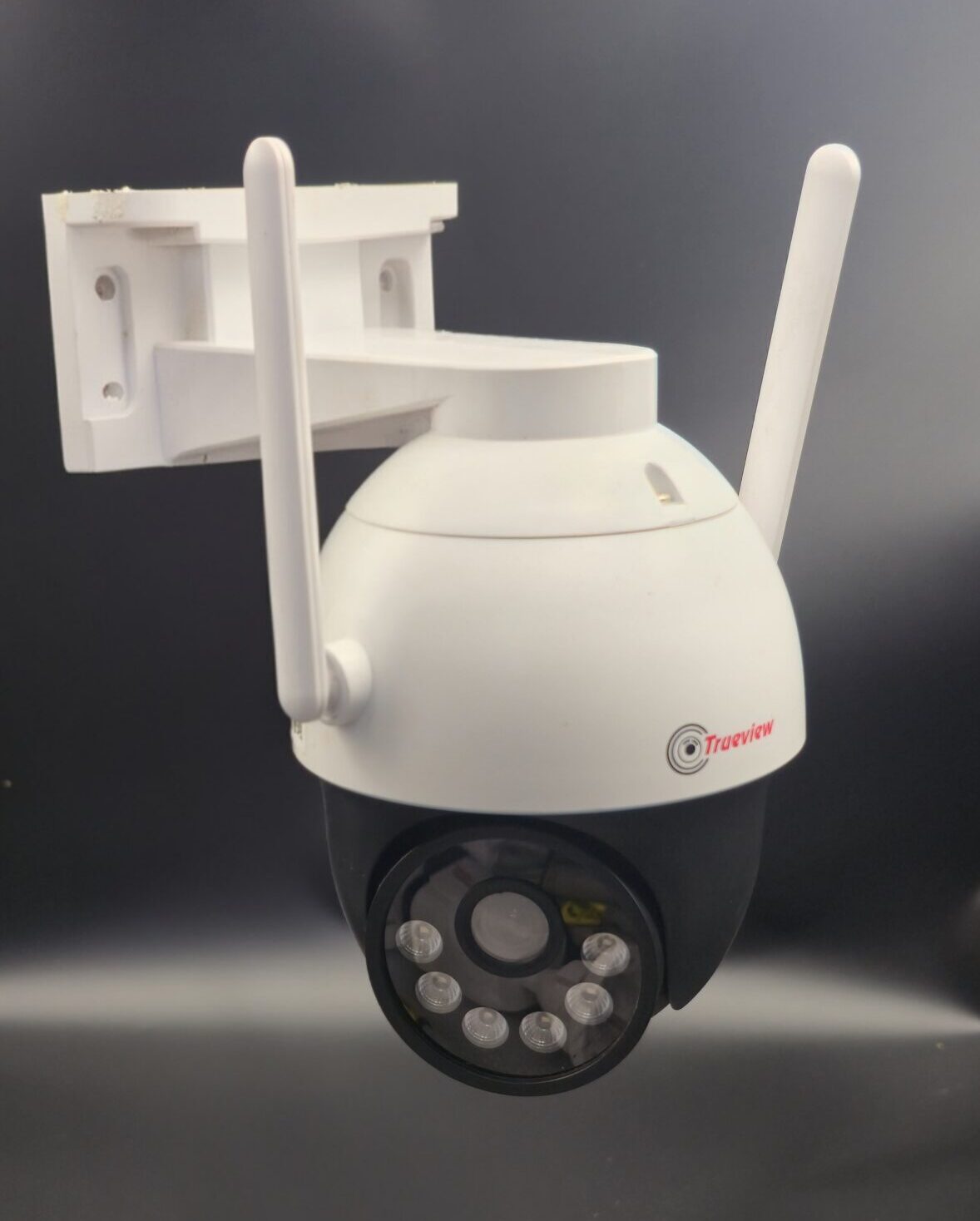
How to Install CCTV Camera
📹 How to Install CCTV Camera: A Complete Step-by-Step Guide
Installing a CCTV camera is one of the most effective ways to improve security at your home or business. Whether you want to prevent theft, monitor activity, or simply gain peace of mind, a properly installed CCTV system provides 24/7 surveillance and reliable protection.
If you’re planning to install CCTV cameras yourself, this step-by-step guide will help you understand the process clearly.
🔍 Step 1: Plan Your CCTV Installation
Before purchasing or installing cameras, carefully plan your setup.
Identify Key Areas to Monitor:
- Main entrance and exit points
- Driveways and parking areas
- Backyards and side gates
- Hallways and staircases
- Reception or cash counter (for offices/shops)
Make sure you avoid placing cameras in private areas such as bathrooms or bedrooms.
Decide the Type of System:
- Wired CCTV System – Stable connection, suitable for larger properties
- Wireless CCTV System – Easy to install, ideal for homes and small offices
- IP Cameras – Advanced features with remote monitoring
- Analog Cameras – Budget-friendly option
Proper planning ensures maximum coverage and minimal blind spots.
🛠 Step 2: Gather Required Equipment
You will need:
- CCTV cameras
- DVR (Digital Video Recorder) or NVR (Network Video Recorder)
- Hard drive (for storage)
- Power supply and cables
- Monitor or TV
- Drill machine and mounting tools
- Internet connection (for remote viewing)
Check that all components are compatible before starting installation.
📍 Step 3: Mount the CCTV Cameras
Correct positioning is crucial for effective surveillance.
- Install cameras at a height of 8–10 feet to prevent tampering.
- Angle cameras slightly downward for better coverage.
- Avoid direct sunlight or bright light exposure.
- Use weatherproof cameras for outdoor areas.
Secure the mounting bracket using screws and ensure the camera is firmly fixed.
🔌 Step 4: Connect the Wiring
For Wired Systems:
- Connect cameras to the DVR using coaxial or Ethernet cables.
- Connect the power adapter to each camera.
- Attach the DVR to a monitor via HDMI or VGA cable.
For Wireless Systems:
- Connect the camera to a power source.
- Sync it with your Wi-Fi network using the mobile app.
Keep wires organized and protected using conduits or cable clips.
💻 Step 5: Configure the DVR/NVR System
Once everything is connected:
- Power on the system.
- Set date and time.
- Configure recording settings (continuous or motion detection).
- Install the mobile app for remote viewing.
- Connect the DVR/NVR to the internet for online access.
Make sure to set a strong password to protect your system from unauthorized access.
🧪 Step 6: Test the System
Before completing the installation:
- Check camera angles and adjust if needed.
- Test night vision.
- Walk in front of cameras to test motion detection.
- Verify recording playback.
- Confirm remote viewing works properly.
Testing ensures everything functions smoothly.
💡 Tips for Better CCTV Installation
- Use high-resolution cameras (at least 1080p).
- Install sufficient lighting for clearer footage.
- Regularly clean camera lenses.
- Backup important recordings.
- Update firmware when available.
👨🔧 DIY vs Professional Installation
DIY Installation
Suitable for small homes and wireless systems. Cost-effective and manageable with basic tools.
Professional Installation
Recommended for large properties, complex wiring, or multi-camera systems. Professionals ensure proper placement and system optimization.
💰 Cost of CCTV Camera Installation
The cost depends on:
- Number of cameras
- Type (HD, IP, 4K)
- Storage capacity
- Installation complexity
- Brand and additional features
Basic setups are affordable, while advanced systems may cost more.
✅ Conclusion
Installing a CCTV camera system is a smart investment in safety and security. With proper planning, correct placement, and secure configuration, you can monitor your property 24/7 and prevent potential threats.
Whether you choose DIY installation or hire a professional, a well-installed CCTV system offers peace of mind and reliable protection for years to come.
Recent Comments