
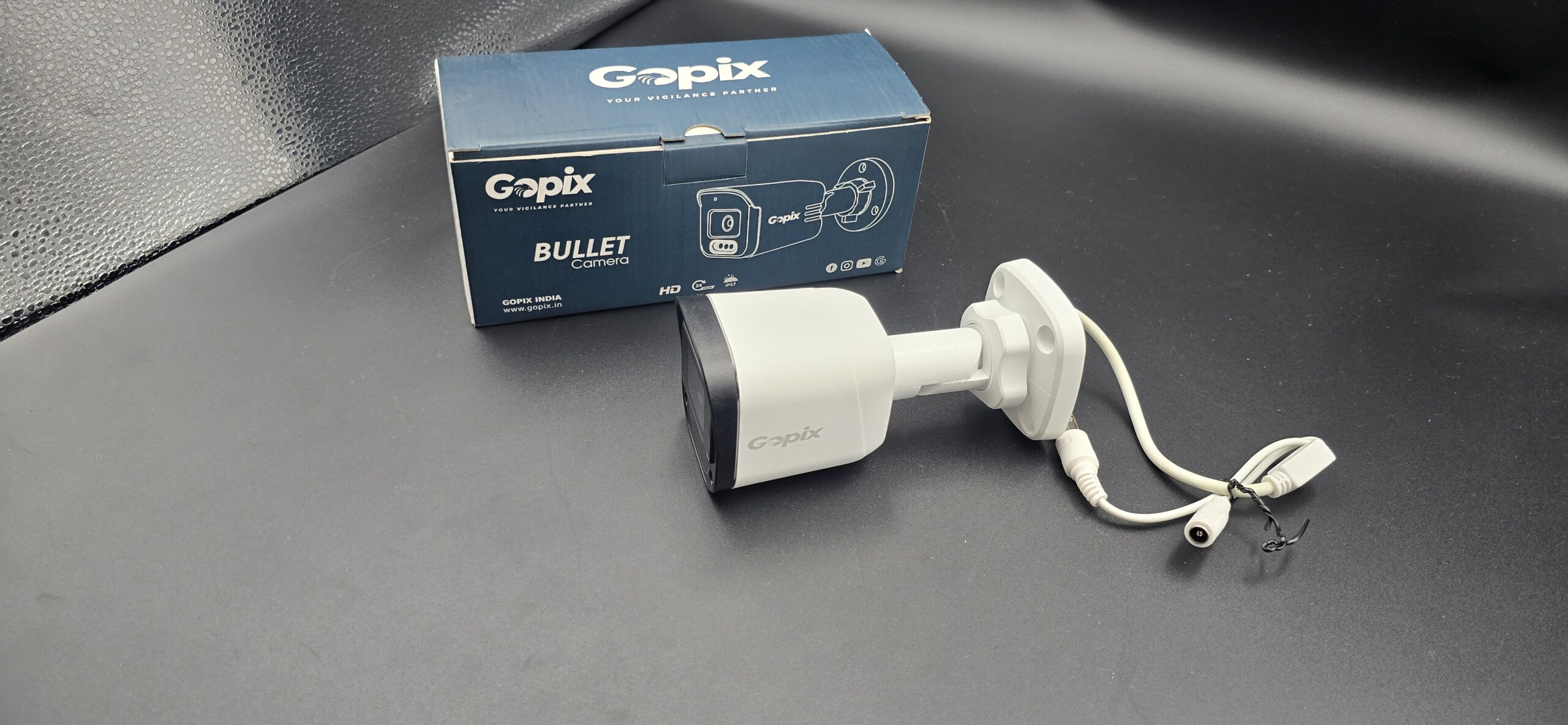
IP CCTV Camera Installation
📡 IP CCTV Camera Installation: Complete Guide for Home & Business
Security technology has advanced significantly over the years, and IP CCTV cameras are now one of the most reliable and high-quality surveillance solutions available. Whether for homes, offices, shops, or industrial areas, IP camera systems offer crystal-clear video, remote access, and smart monitoring features.
If you’re planning to install an IP CCTV camera system, this complete guide will help you understand everything from benefits to installation steps.
🔍 What is an IP CCTV Camera?
An IP (Internet Protocol) CCTV camera is a digital surveillance camera that transmits video data over a network or internet connection. Unlike traditional analog cameras, IP cameras provide higher resolution, better flexibility, and advanced features.
They connect through:
- Ethernet cable (PoE – Power over Ethernet)
- Wi-Fi (Wireless IP cameras)
IP cameras are commonly used in modern security systems due to their reliability and superior image quality.
⭐ Benefits of IP CCTV Camera Installation
1. High-Definition Video Quality
IP cameras support HD, Full HD, 2MP, 4MP, 8MP, and even 4K resolution for clearer images.
2. Remote Access
Monitor live footage from anywhere using a smartphone, tablet, or computer.
3. Easy Scalability
You can easily add more cameras to your existing network.
4. Smart Features
- Motion detection alerts
- Face detection
- Two-way audio
- Night vision
- Cloud storage options
5. Reduced Cabling (PoE Technology)
Power over Ethernet allows both power and data transmission through a single cable.
🛠 Step-by-Step IP CCTV Camera Installation Guide
Step 1: Plan Camera Placement
Identify critical monitoring areas:
- Main entrances and exits
- Parking areas
- Hallways and corridors
- Perimeter walls
- Reception or cash counters
Install cameras at 8–10 feet height to prevent tampering and ensure wider coverage.
Step 2: Gather Required Equipment
You will need:
- IP CCTV cameras
- NVR (Network Video Recorder)
- Ethernet cables (Cat5e/Cat6)
- PoE switch (if not using PoE NVR)
- Hard drive for recording
- Router with internet connection
- Monitor for setup
Ensure all devices are compatible before installation.
Step 3: Install and Mount the Cameras
- Fix mounting brackets securely.
- Drill holes and attach wall plugs if needed.
- Mount the camera and adjust the angle.
- Protect outdoor cameras with weatherproof casing.
Make sure cables are neatly organized and secured.
Step 4: Connect to Network
For PoE setup:
- Connect camera to PoE switch or PoE-enabled NVR using Ethernet cable.
- The same cable supplies power and data.
For non-PoE setup:
- Connect Ethernet cable to router.
- Connect power adapter separately.
Step 5: Configure the NVR
- Connect NVR to monitor via HDMI/VGA.
- Install hard drive inside NVR.
- Configure date and time.
- Set recording mode (continuous or motion detection).
- Assign IP addresses if required.
Step 6: Connect to Mobile App
- Download the manufacturer’s app.
- Scan QR code from NVR or camera.
- Add device and create login credentials.
- Test live viewing and playback.
Now you can monitor your property anytime from your mobile phone.
🔐 Important Security Tips
- Use strong passwords.
- Disable default usernames.
- Regularly update firmware.
- Secure your Wi-Fi network.
- Enable encryption if available.
Cybersecurity is crucial for IP camera systems.
💰 Cost of IP CCTV Installation
The cost depends on:
- Number of cameras
- Camera resolution (2MP, 4MP, 4K)
- Storage capacity
- PoE vs non-PoE setup
- Installation complexity
IP systems may cost slightly more than analog systems but provide better performance and future scalability.
👨🔧 DIY vs Professional Installation
DIY Installation:
Suitable for small setups and Wi-Fi IP cameras.
Professional Installation:
Recommended for offices, large homes, or commercial buildings where proper network configuration is important.
✅ Conclusion
IP CCTV camera installation is a smart investment for modern security needs. With high-definition video, remote monitoring, and advanced features, IP cameras offer reliable and scalable protection for homes and businesses.
Whether you install it yourself or hire professionals, proper planning and configuration ensure long-term security and smooth operation.
Recent Comments